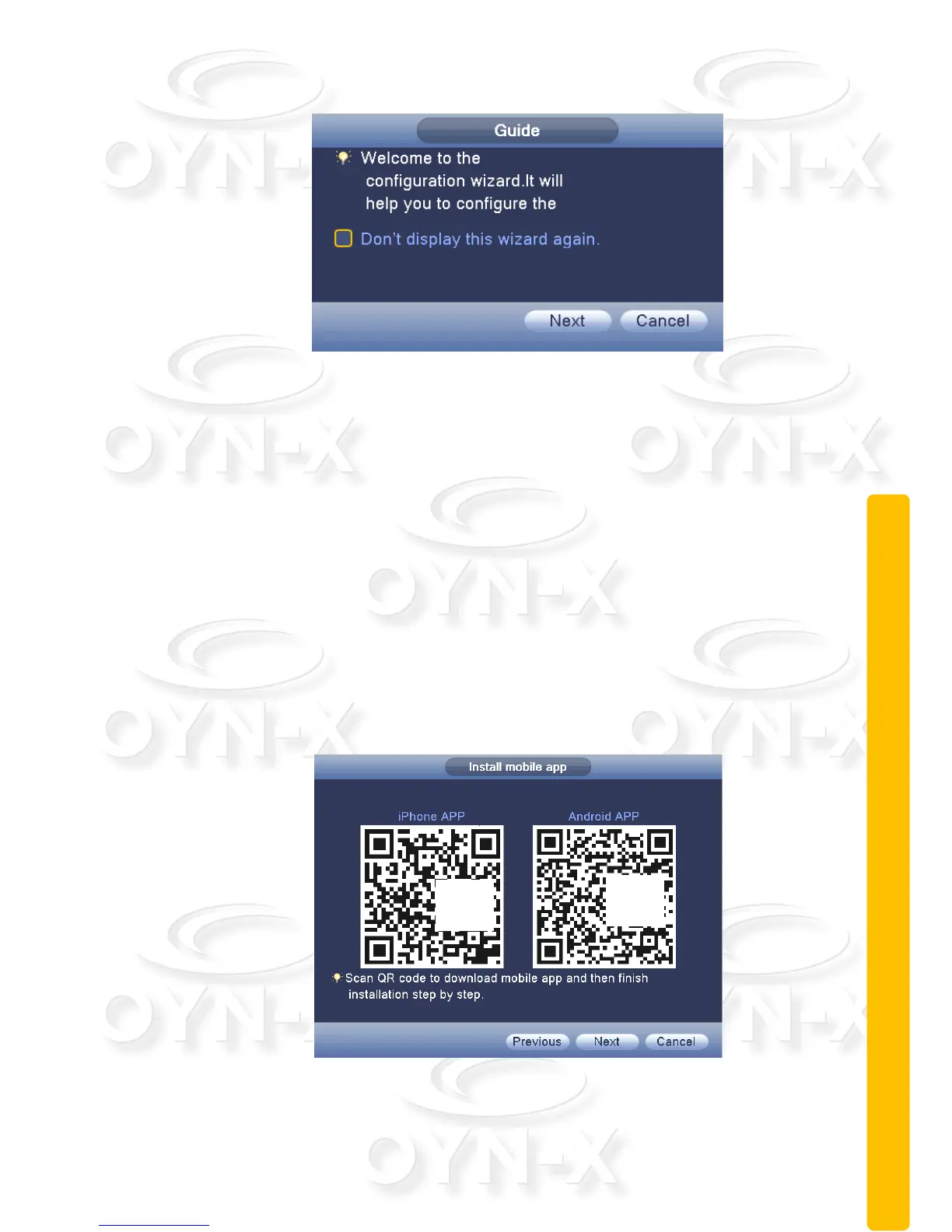
2.5.2 Boot wizard:
Figure 2.4 Boot wizard interface
[Cloud Services Enable]: ■: when this box is checked it indicates the
cloud services are enabled.
[Do not Note]: : select the highlighted box ■ when shown after reboot.
The system will no longer automatically pop up the boot wizard.
[Next]: enter the digital channel configuration of the wizard interface.
[Cancel]: to save the settings and exit this screen wizard interface.
Click ‘Next’ on the figure 2.4, will pop up QR code, and then click next to pop up
mode selection
QR Code:
Scan these codes with your mobile smart device when they appear on the
monitor, to download the remote monitoring & surveillance apps.
Figure 2.5 QR code interface



 To Next Page