2.9.8 Tour
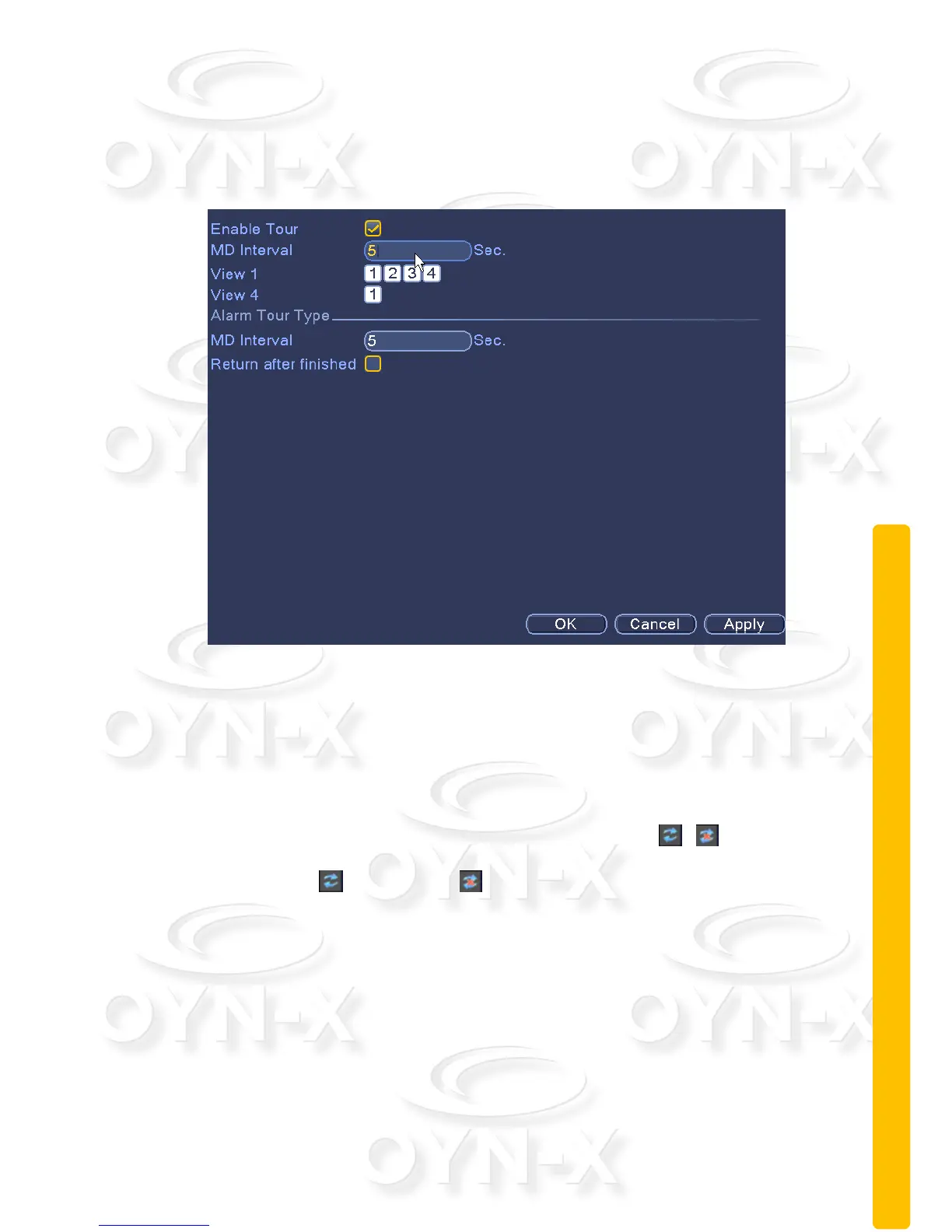
Set the patrol display. When you have ticked the ‘Enable Tour’ box the tour
mode is enabled. You can choose the single-view, four-view, six-view, single
mode tour or hybrid mode tour.
Figure 3.32 touring settings
[Interval]: Set the patrol switch interval. The set range is 5-120 seconds.
[Alarm tour]: set the interval to shift alarm tour, range is 5-120 seconds,
choose return when alarm ends, when alarm link to tour, system will auto shift
to six-view after alarm finished.
Remark:on the preview mode, click upper right icon / can turn on /
off Tour: ( mean turn on, mean turn off)
2.10 Manage Tools
Within this section of the user interface you can configure; hard disk management,
user management, automatic maintenance, restore to default system settings,
import and export, restart, system upgrades and other functional configuration.



 To Next Page