2.10.7 Upgrade
Upgrade system firmware through this setup menu. You need to update your
system via a connected USB storage device.
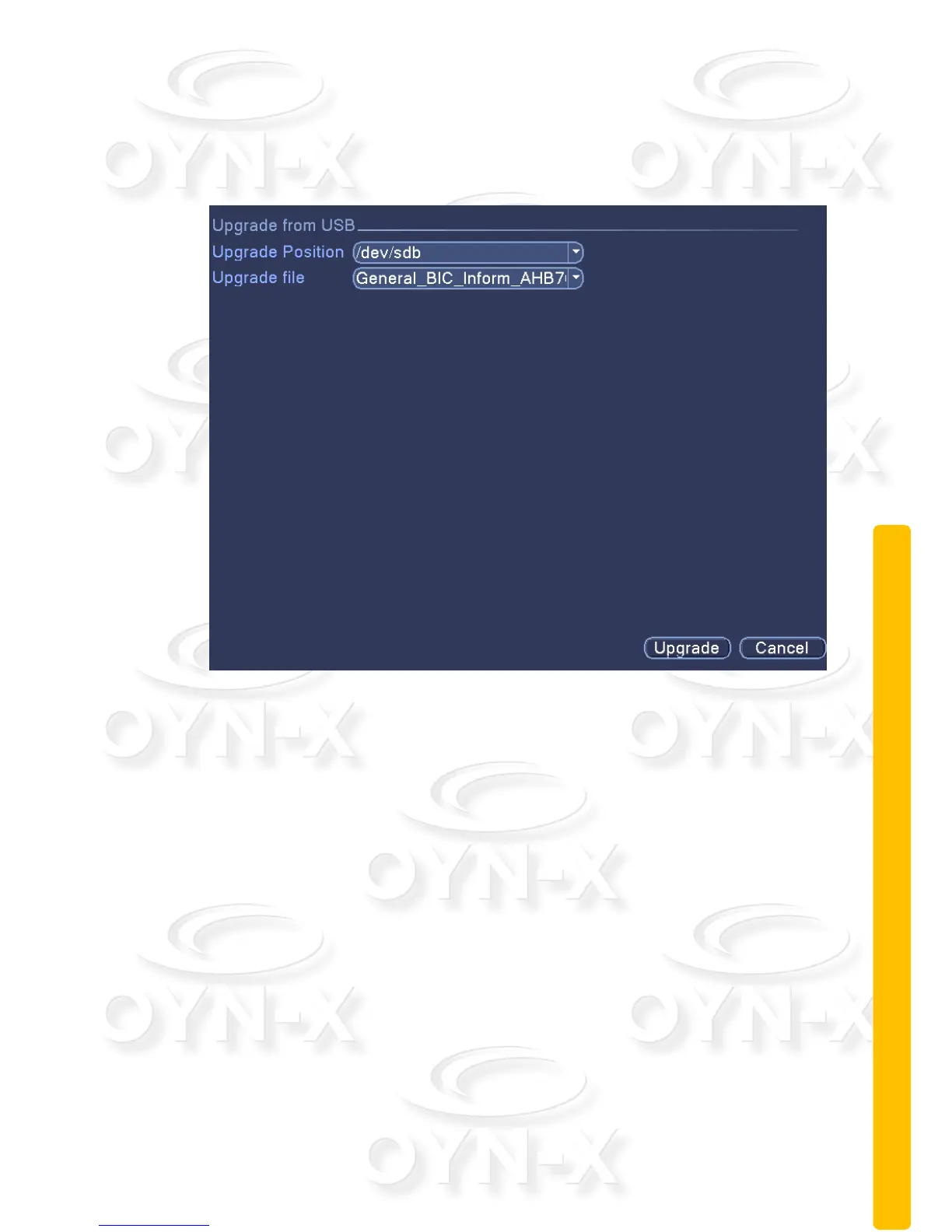
Figure 3.47 Upgrade
[Upgrade Position]: locate and provide firmware update file’s directory path
on the USB storage device.
[Upgrade file]: choose the firmware upgrade file from the directory path.
2.10.8 Device Info
Provide device’s interface information, which includes audio in and alarm in/out.



 To Next Page