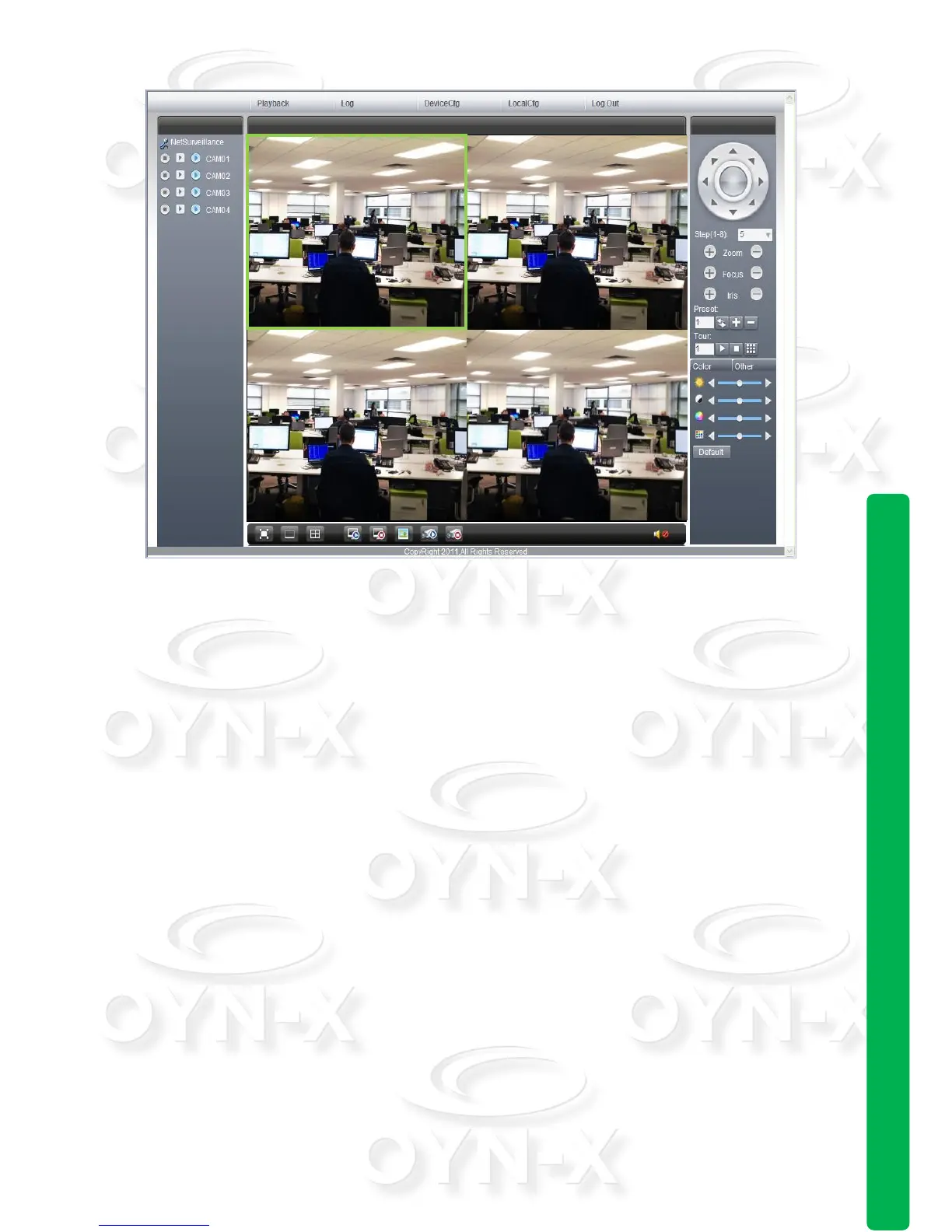
WEB interface
3.2 Basic remote control operation
The control interfaces shown in Pic 9 have a number of functions that are described
below:
Screen Split: To choose the mode of preview
Playback: Enter playback area, can support multi-channel playback at the same
time.
Log: Show with log information
Local config: To set device alarm, enable to linkage function on the remote
network client side.
Channel control: Open the video, choose the video on the left video window
and then choose channel on the right, double click it to open the first video,
choose another one channel, double click to open the second video, use the
same way to open other channels. If the channel did not change, system will
closed previous video and open the new one you choose.
Note: User can choose the most appropriate image mode, when opening remote video
control.
Close video: at the video window, choose the video that you want to turn off,
right click it and choose shut the window, also can choose shut all the windows
to close all the video.



 To Next Page