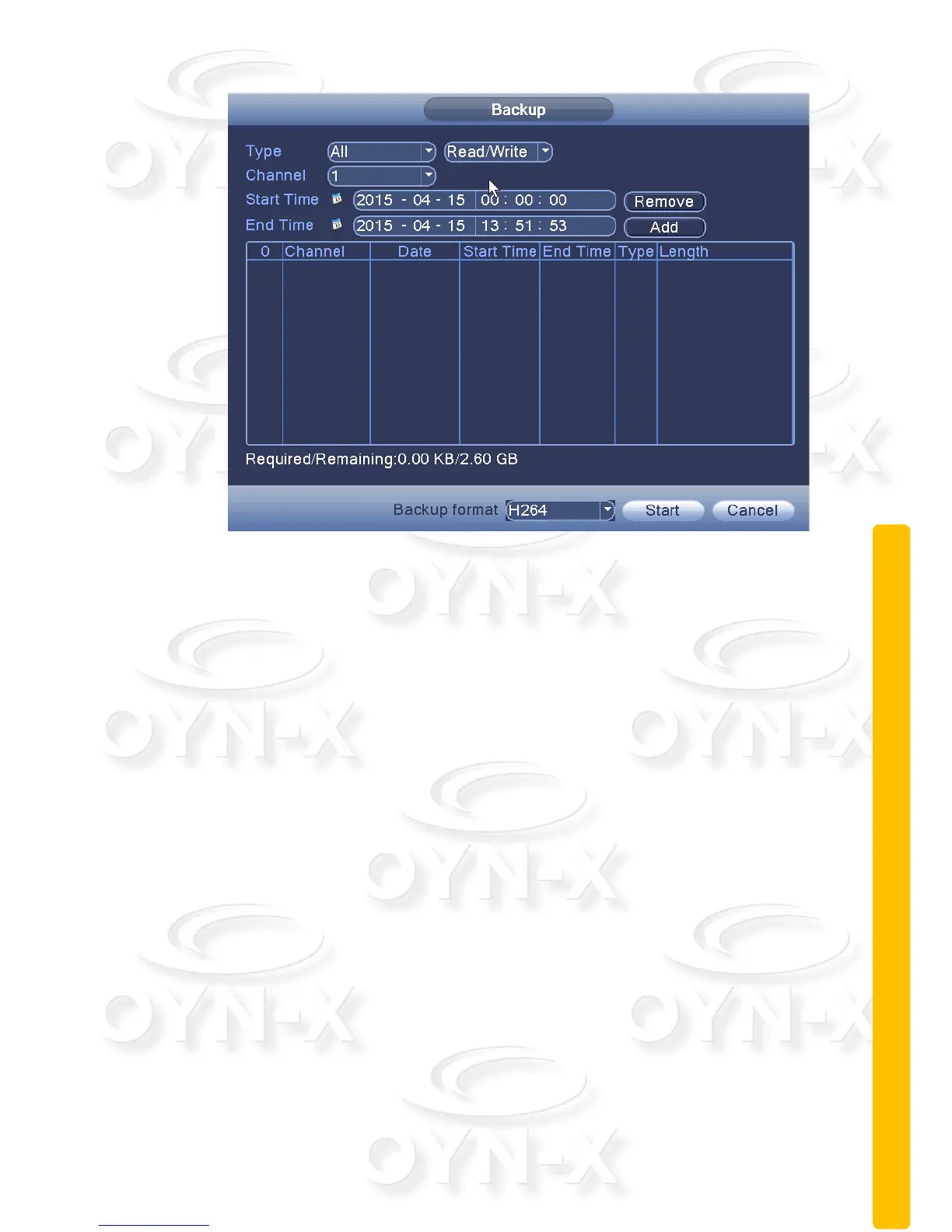
Figure 3.3 record backup
[Remove]: Clear the displayed file information;
[Add]: Display file information to meet the set file attributes;
[Backup Format]: The format of the configuration backup file. Depending on
the user’s needs you can either choose H264 or AVI video file types.
[Start / Stop]: After selecting the file and backup format, click to ‘Start’ to
proceed with the backup, and then click Stop to stop the backup.
Note: When you back up, you can exit the page perform other functions.
2.8 Alarm function
Alarm functions include: motion detection, video blind alarm, and video loss
alarm, alarm input alarm, alarm output, intelligent analysis and exception
handling.



 To Next Page