[Channel Title]: Click the channel title button and enter the channel name input
menu. Modify the channel name.
[Time Display]: When box is ticked it will display the system’s time in the
surveillance window.
[Channel display]: When box is ticked it will display the system’s channel
number in the surveillance window.
[Alarm Status]: When box is ticked it will display the system’s alarm status in the
surveillance window.
[Transparency]: Choose the background image transparency. The range is
128~255.
[Resolution]: set display resolution.
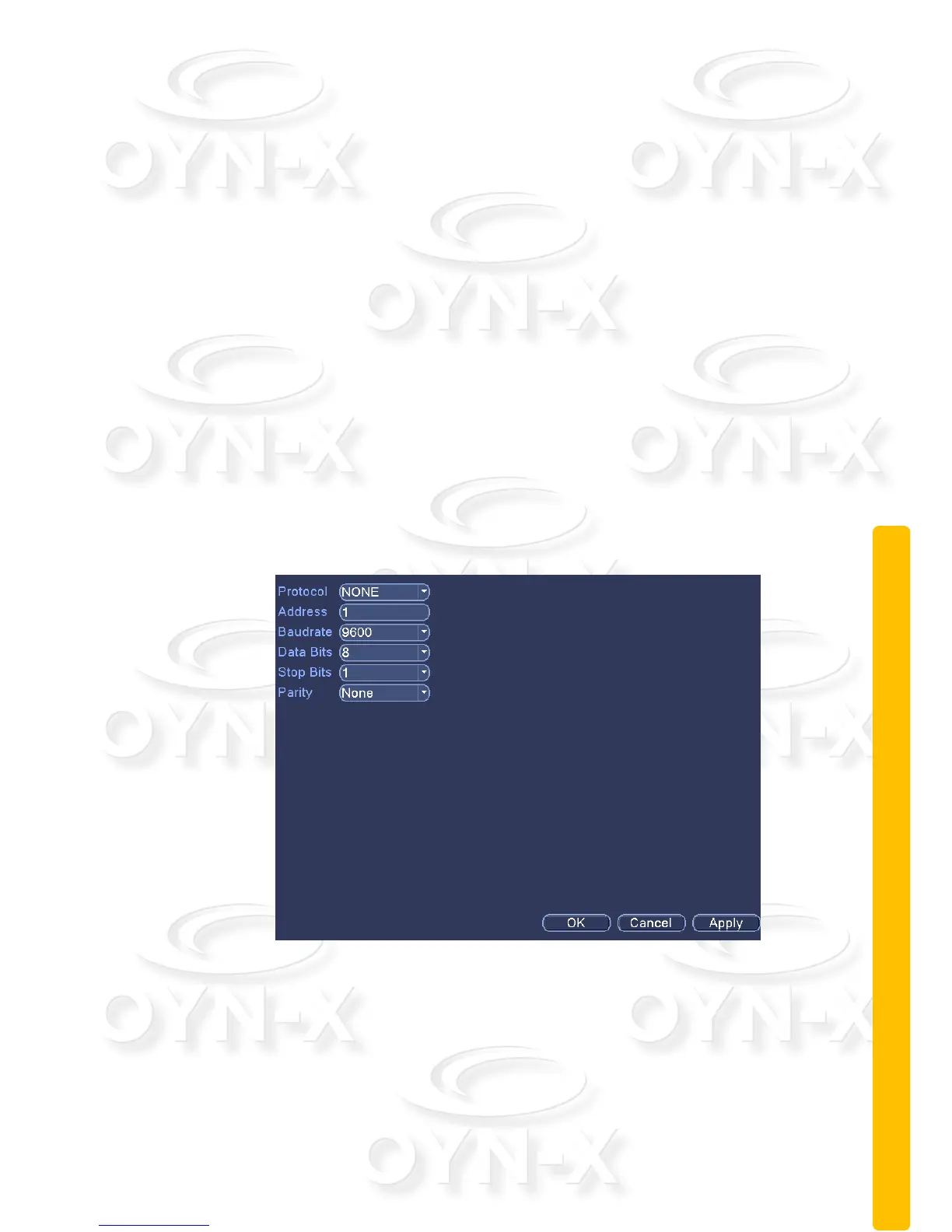
2.9.6 RS485
Figure 3.31A port settings
[Protocols]: to select the protocols;
[Address]: set to the appropriate address, the default is 1;
[Baud]: equipment used to select the appropriate baud rate, the default is 115200;



 To Next Page