[Delete User]: delete the selected user, the user cannot delete the registry.
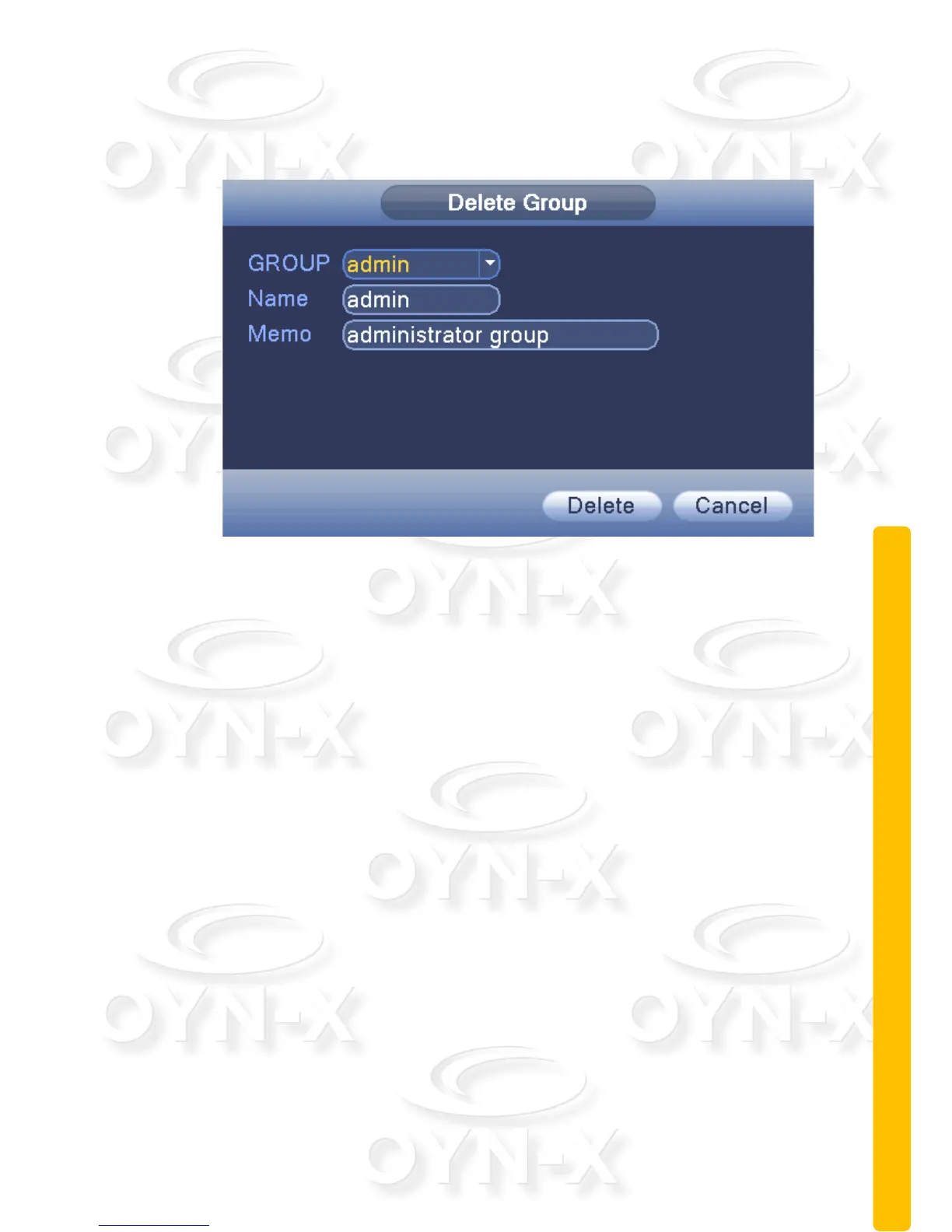
[Delete Group]: delete the selected user group.
Figure 3.43 delete group
2.10.3 Online user
This menu section allows you to check the information of the network user that
connected to the DVR device using a local device (PC/smart mobile device).
You can also tick the box next to the user that is connected to the DVR device
and disconnect them. When you disconnect them the user will be frozen after
connection has been stopped, and will not log in until the device reboots.



 To Next Page