* : When this symbol appears next to the name of the hard disk it signifies
that particular hard disk is the default storage unit. If the
corresponding disk is damaged, the information will show “?”
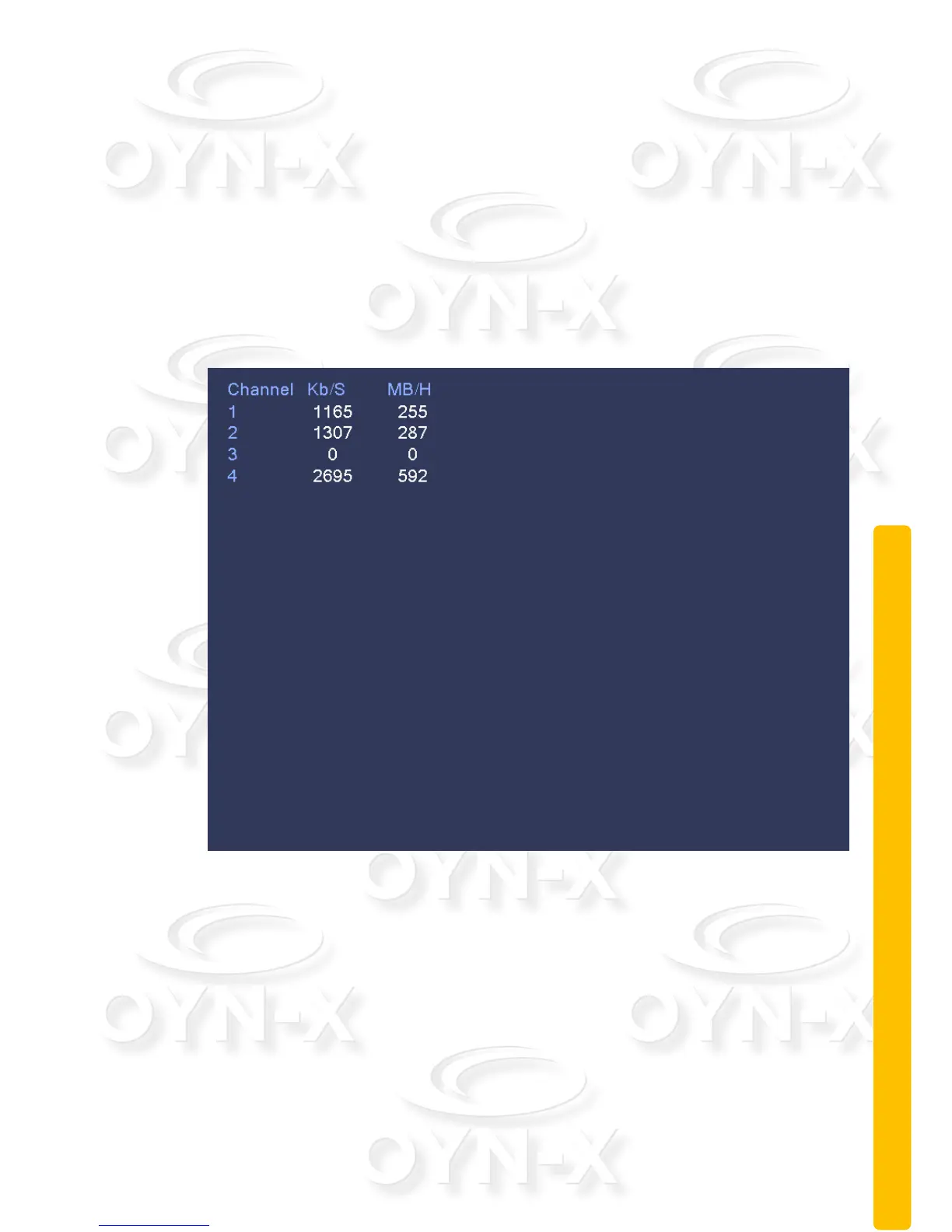
2.11.2 BPS
This menu section displays the code stream(Kb/S)and hard disk capability
(MB/H: Megabytes per hour)in real time. It displays the data as a wave sketch
map.
Figure 3.51 BPS
2.11.3 LOG
Use this menu section to search through log information show in the main list.
Log information includes: system operation, configuration operation, data
management, alarm affair, recording operation, user management, and file
management. Set the time section (Start & End times and dates) to look for a
particular log and click the ‘Search’ button. The log information will display as a
list (one page is 128 items). Press Page up or Page down button to look up and
down the list. Press the delete button to clear all the log information.



 To Next Page