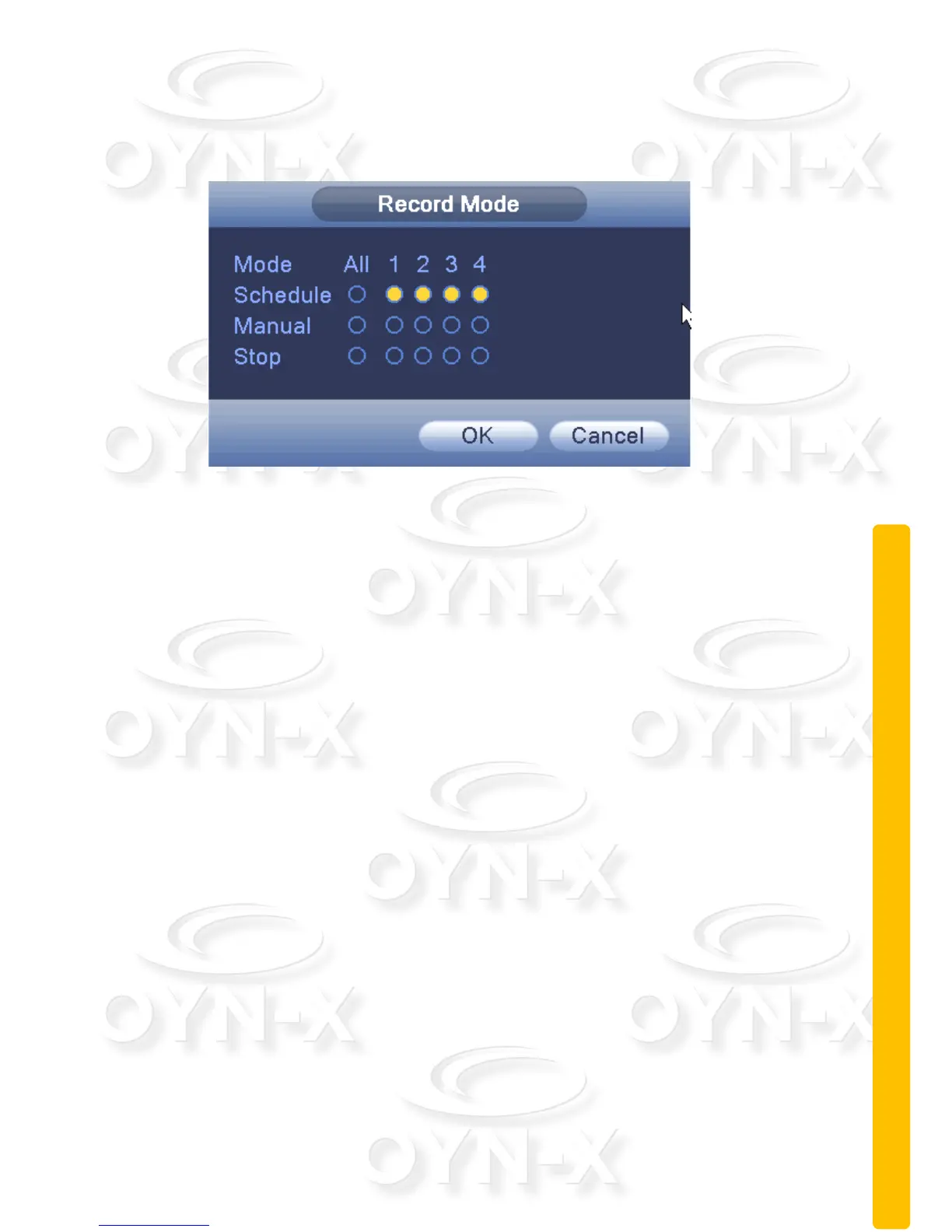
You can use the desktop shortcut menu or click [Main Menu]: > [Recording
Function]: > [Recording Set]: to enter the recording control interface.
Figure 2.10 record control
[Schedule]: Record according to the configuration.
[Manual]: Click the ‘All’ button and the according channel is recording no
matter the channel in any state.
[Stop]: Click the ‘Stop’ button and the according channel stops recording no
matter what state the channel is in.
2.5.5 Alarm output
You can use desktop shortcut menu or click [Main Menu]: > [Alarm Function]: >
[Alarm Output]: to enter the alarm output interface.
You can control each channel’s alarm output state within this menu section. In the
‘Status’ row; ■ means that the channel’s alarm output has been set to active.



 To Next Page