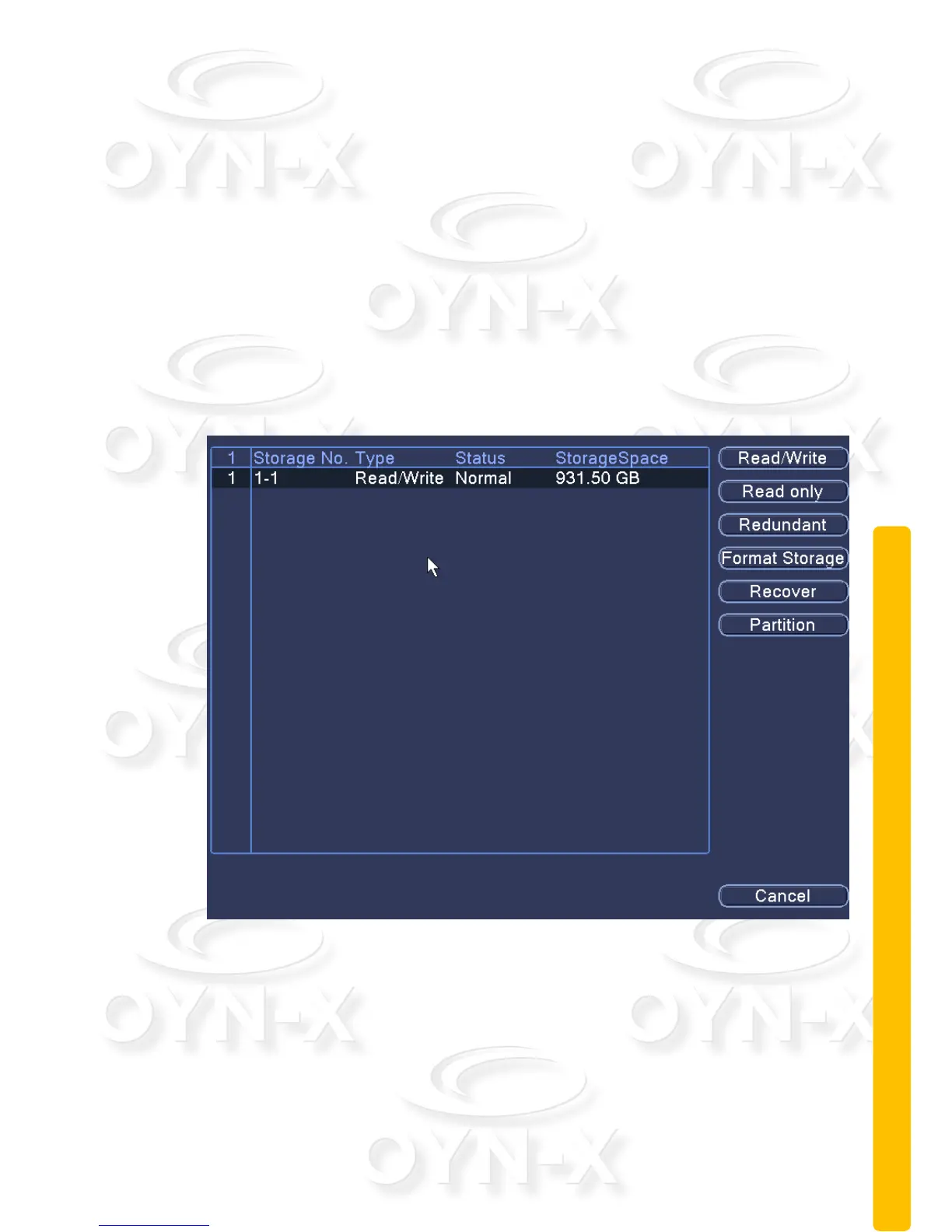
2.10.1 Storage management
Configure and manage the hard disk drive. The menu displays current hard disk
information: hard disk number, input port, type, status and overall capability. The
operations you can perform include: setup the write-read disk, read-only disk,
redundant disk, hard disk format and resume default. Choose the hard disk and
click the right function button to execute.
Note:
Read/Write Disk: The HDD installed can write or read data.
Read-only Disk: The HDD installed can read data but cannot write
data.
Redundant Disk: The backup disk to store a backup copy of the
recorded footage on the write/read HDD.
Figure 3.38 Storage Management



 To Next Page