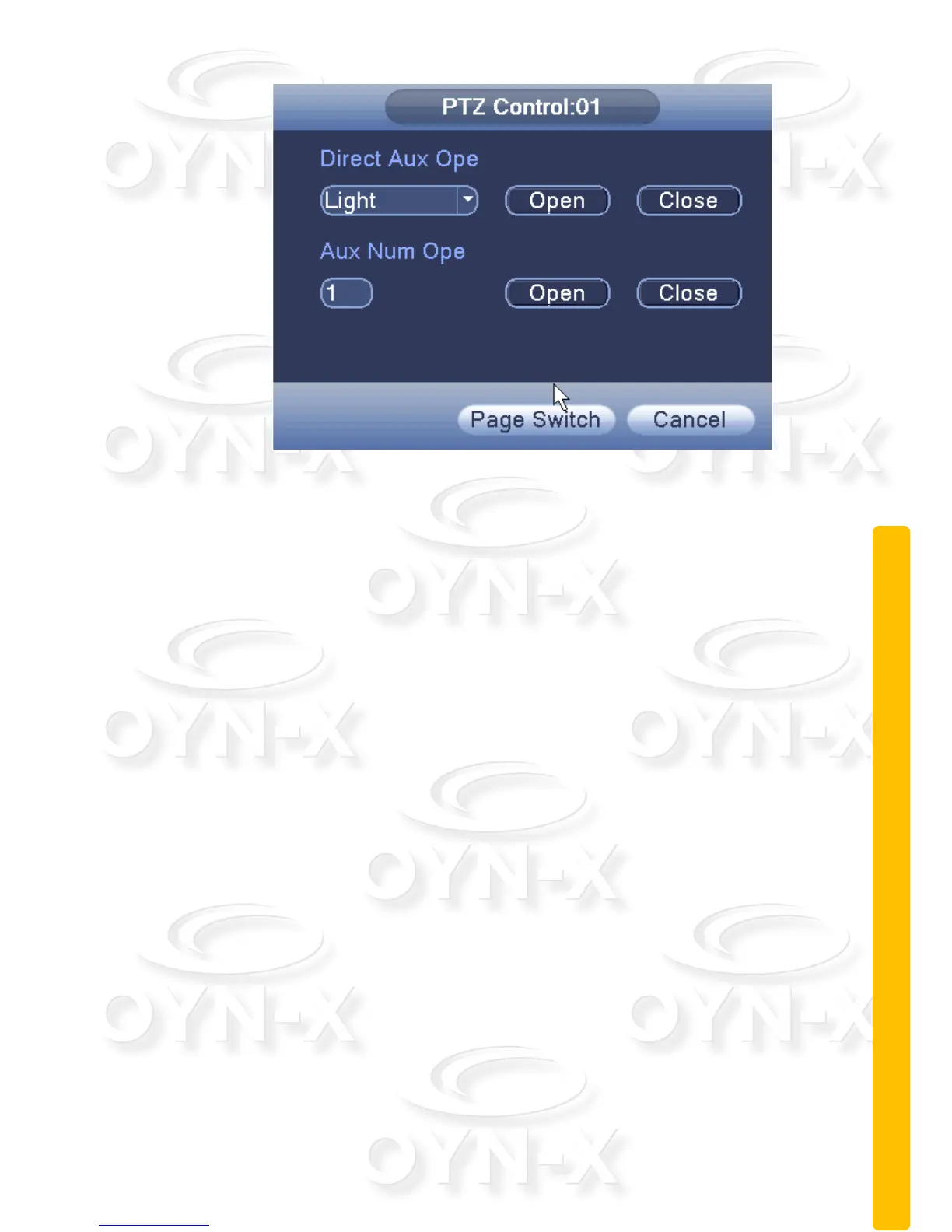
Figure 2.18 Auxiliary Function Control
[Intuitive Auxiliary Ope(ration) ]: choose the auxiliary equipment from the
drop down menu then select either Open or Close button to set the switch
control;
[Auxiliary Number Ope(ration) ]: The number of the corresponding auxillary
operation for the PTZ;
[Page Switch]: In Figure 2.18,click the Page Switch button, enter the Figure
2.13 - PTZ Main Menu.
2.5.7 Image Color
Set the selected channel’s image parameters (when in single-screen preview of
the current channel, multi-screen cursor to where the channel), you can use the
desktop shortcut menu to enter the interface. Image parameters include:
brightness, contrast, saturation, hue, gain, horizontal sharpness, vertical
sharpness. There are also two different sets of parameters you can customise.
One set you can customise for the camera footage is recorded during the day
(IR LED off) and the other is for footage recorded at night or low light conditions
(IR LED on).



 To Next Page