[Listed files]: Look up the listed files that are in accordance with the search
criteria.
[File Attributes]: Look up the found file information.
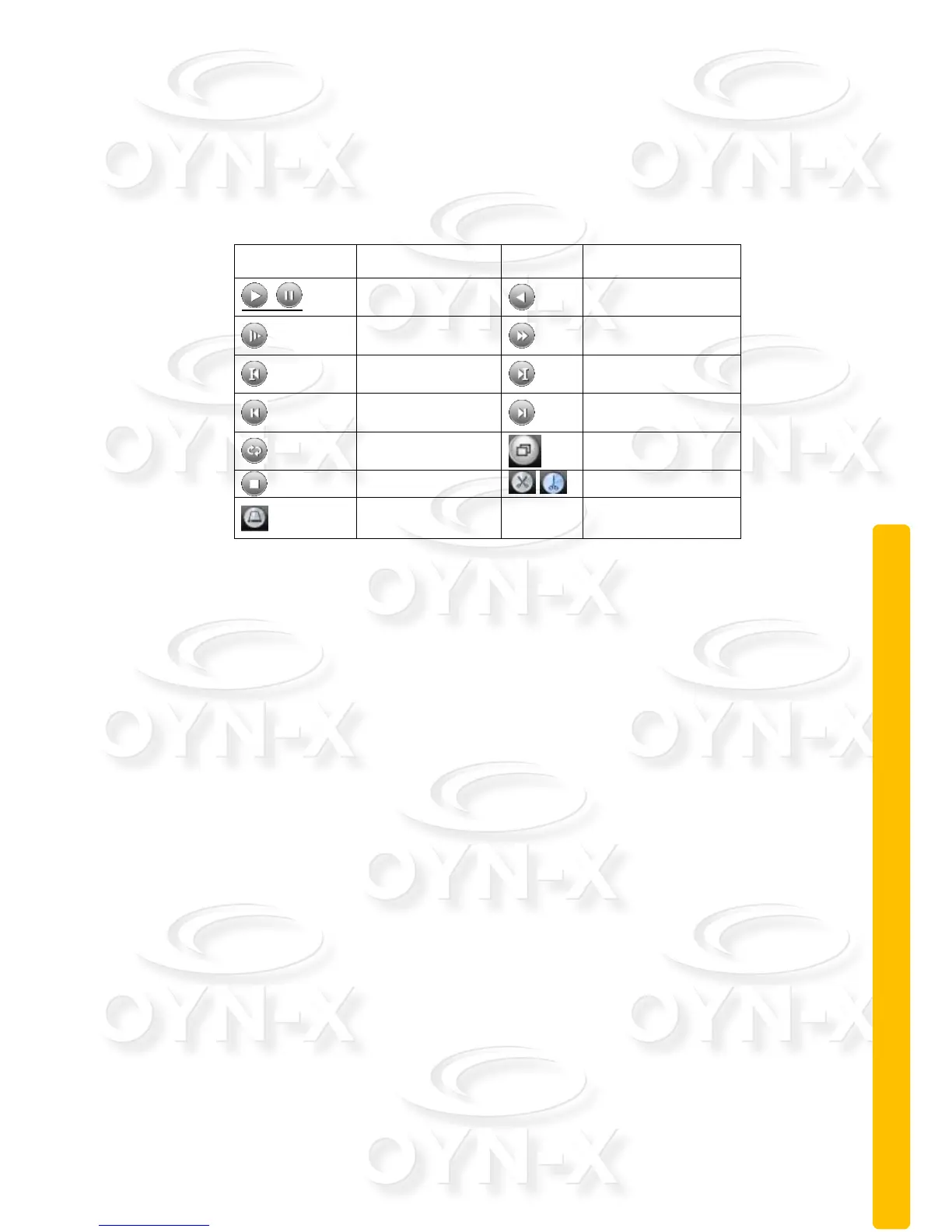
[Playback control]: See details in the chart below:
Table 2.2 Playback control key
Note: to play footage using the frame by frame playback mode, you need
to firstly pause playback.
[Operation tips]: message explains the function of the key that cursor placed
over the top of.
Special functions:
Local zoom: To be able to digitally zoom in to the video image when the
system is in the single-window/full-screen playback mode, you can drag your
mouse on the screen to select a section of it and then left click mouse to zoom
in. You can right click mouse to exit the zoom.
Note: The playback channel will fail to display video footage and instead
show a red ‘X’ when you go over the maximum resolution of the current
video channel.
2.5.4 Record controls
Please check current channel status: ○ this indicates it has not been set to the
recording status, ● means it has been set to the recording status.



 To Next Page