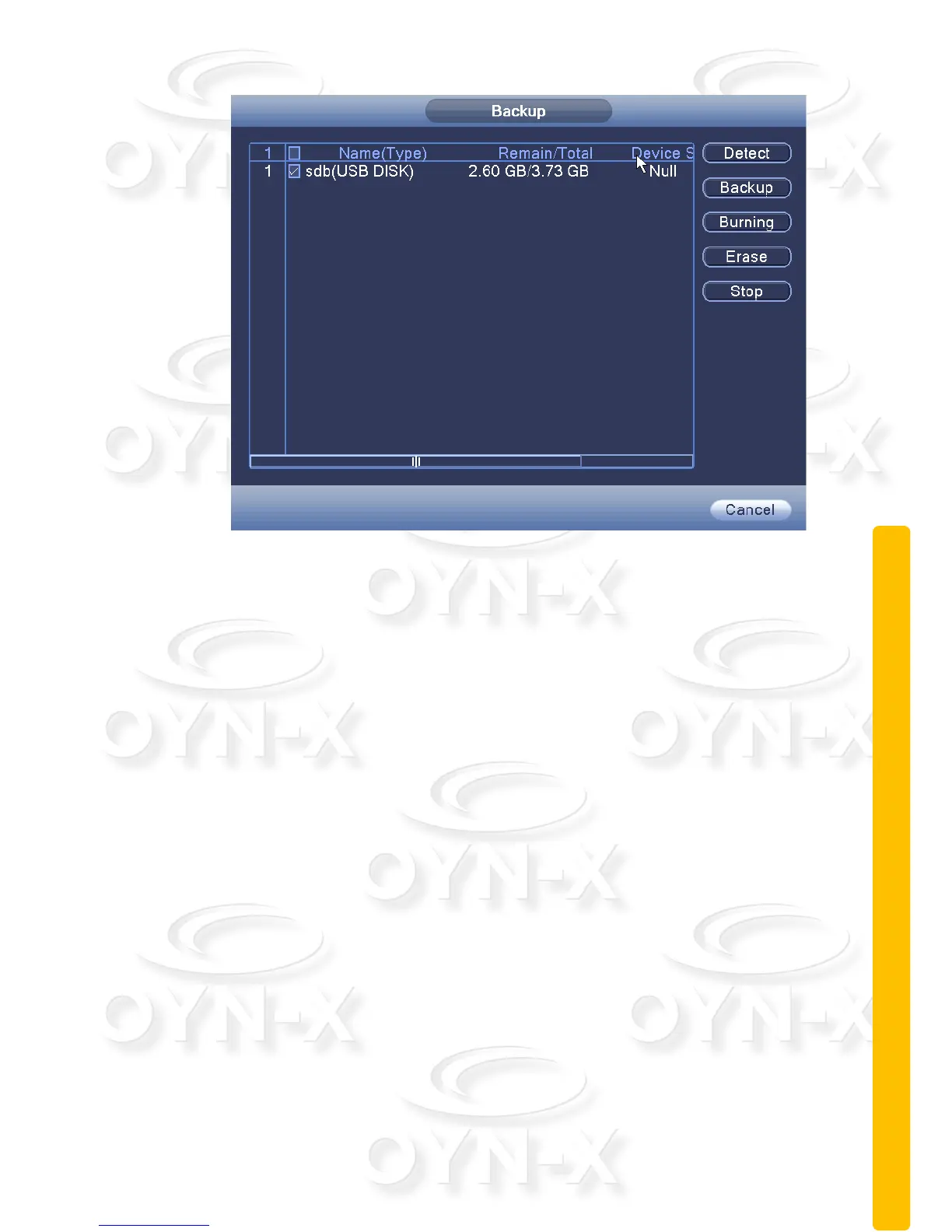
Figure 3.2 Detect memory
[Detect]: Detect storage devices connected to the device. Compatible devices
include USB flash drive or portable HDD;
[Backup]: When you click Backup, a Backup dialog box pops up, you can then
select the backup video files based on type, channel, time and other attributes
(see Figure 3.3 record backup).
[Burning]: Click the Burn option to burn video will sync selected channel;
[Erase]: Select the file to delete and click the erase option to delete the device
files;
[Stop]: Stop the backup;



 To Next Page