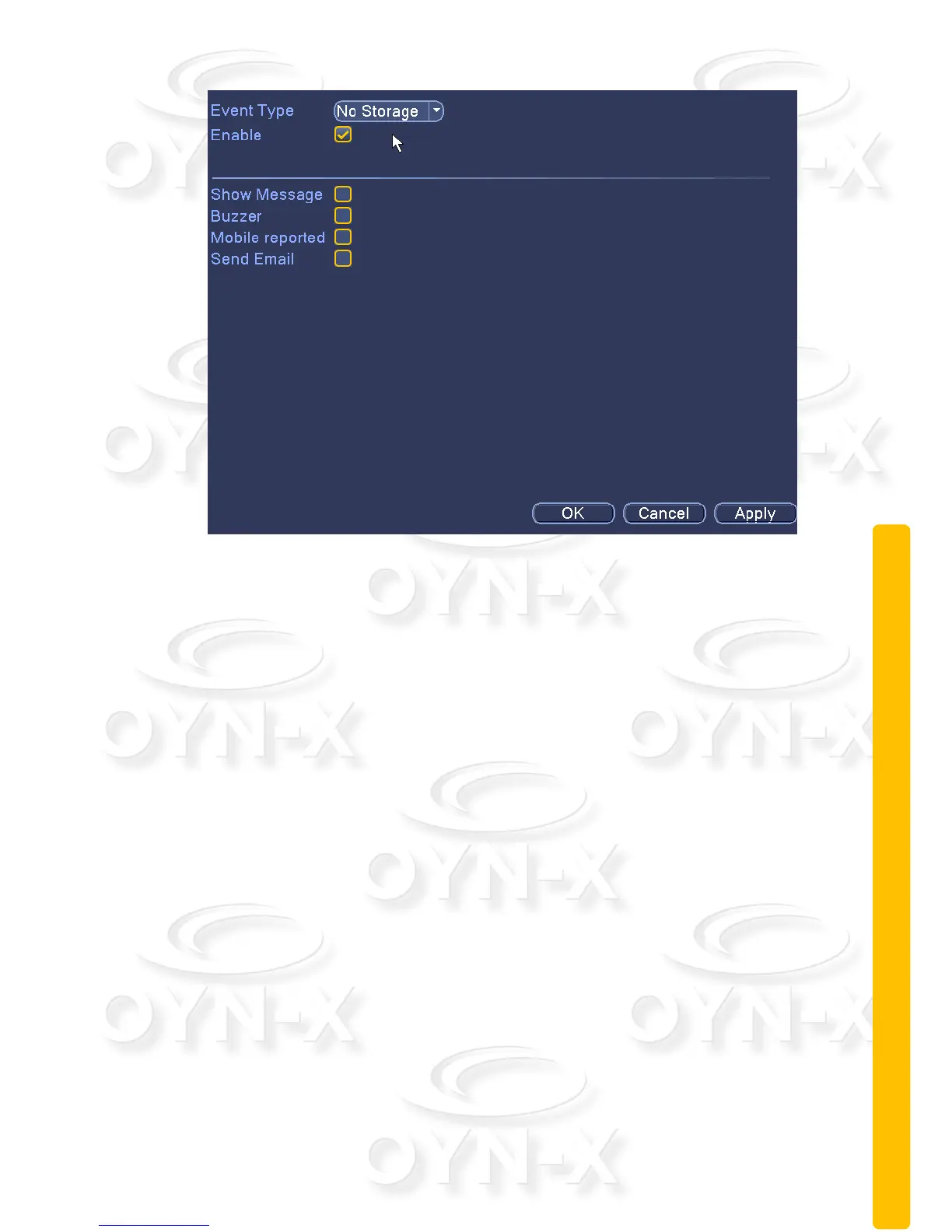
Figure 3.11 exception handling
[Event Type]: Select the the event type from the drop down list.
[Enable]: When this box is ticked it means that the exception handling feature
in enabled.
[Show Message]: system will make an alarm message prompt appear on the
screen when you tick this box.
[Beep]: when the alarm is triggered the device will product an alarm sound.
[Mobile reported]: Send a text message to a specified mobile phone number.
[Send EMAIL]: When an alarm is triggered, it will send an alarm message to
the specified mailbox, which can be set in the mailbox settings.



 To Next Page