[Time Format]: Select the either 12 or 24 hour time format.
[Language]: Set the system language from 20 different types.
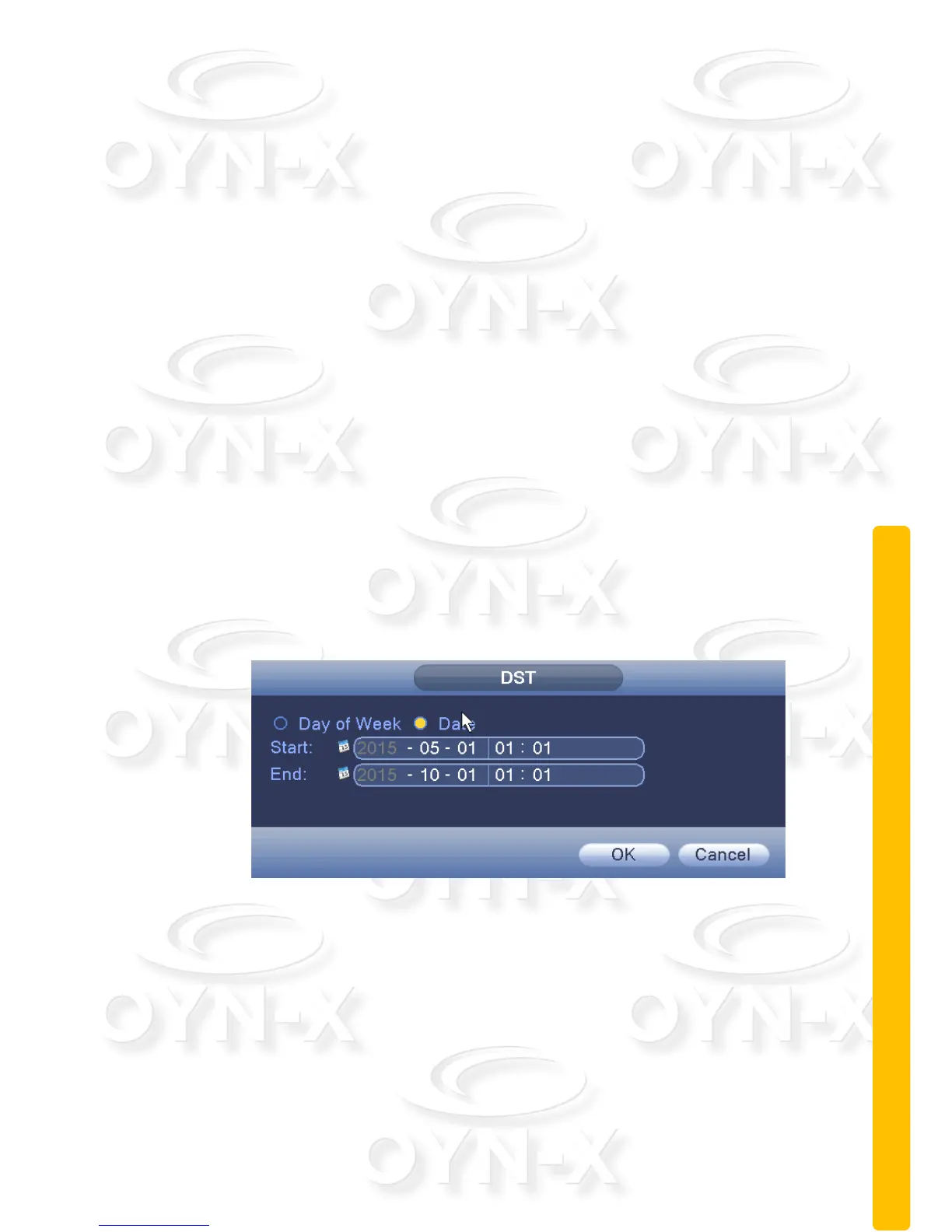
[Daylight Saving Time]: Daylight Saving Time feature set start time and end of
daylight saving time, as shown below by week or day (see Figures 3.13 & 3.14).
[Date separator]: Set the how the preview screen displays the date when in
the delimited format.
[Storage full]: When the hard disk is full, what is selected here are the
measures taken by the system.
[Video Format]: Select the video format. Either PAL or NTSC can be chosen.
[DVR Number]: Provide the device a number so that when you remotely
access it you can differenciate it from the other devices you may have on your
list of devices you can access.
[Auto Logout]: You can be set the amount of time of system inactivity by a
user before it will automatically logout of the user account.
[Machine Name]: Provide a name for the device. The name can be of your
choice.
Figure 3.13 Daylight Saving Time (weeks) setting



 To Next Page