[Modify User]: Modify the one of the user accounts shown on the list to the left.
You are able to edit the user’s details including; reuse, notes, group, class, and
permissions.
[Modify Group]: Modify the one of the user groups shown on the list to the left.
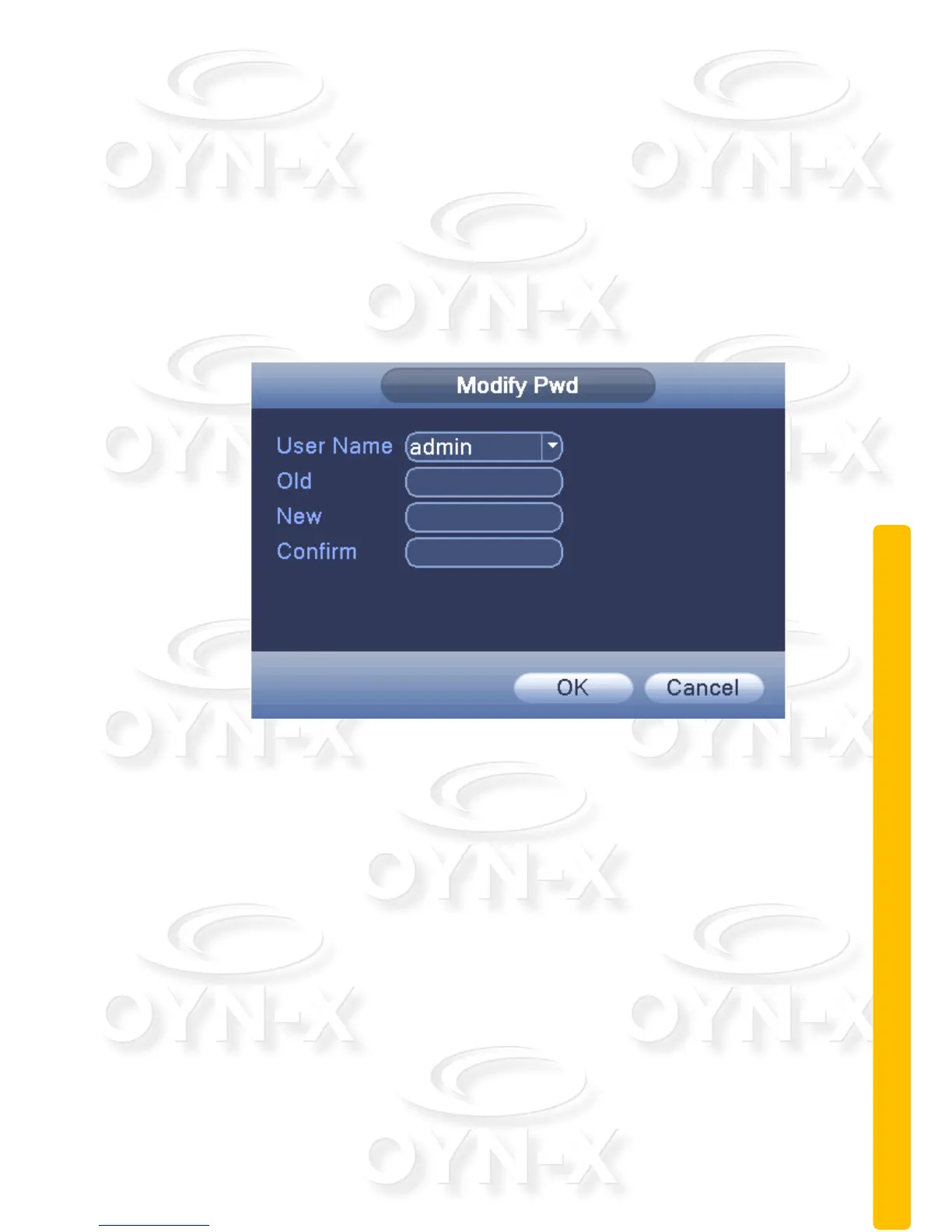
[Modify Pwd]: modify user login password.
Note:A user registered to the device can modify their own password but
not the passwords of other user accounts. Only a user with administrator
level permissions can do this.
Figure 3.40 Modify password
[Add user]: Set new user name, password, notes, owning group, permissions
and other information. You can add up to 64 user names. See Figure 3.41 to
see the add user setup menu. You will see a tick box list of permissions the
user can be issued.



 To Next Page