4
Measurement
16
4.4 Holding a Reading
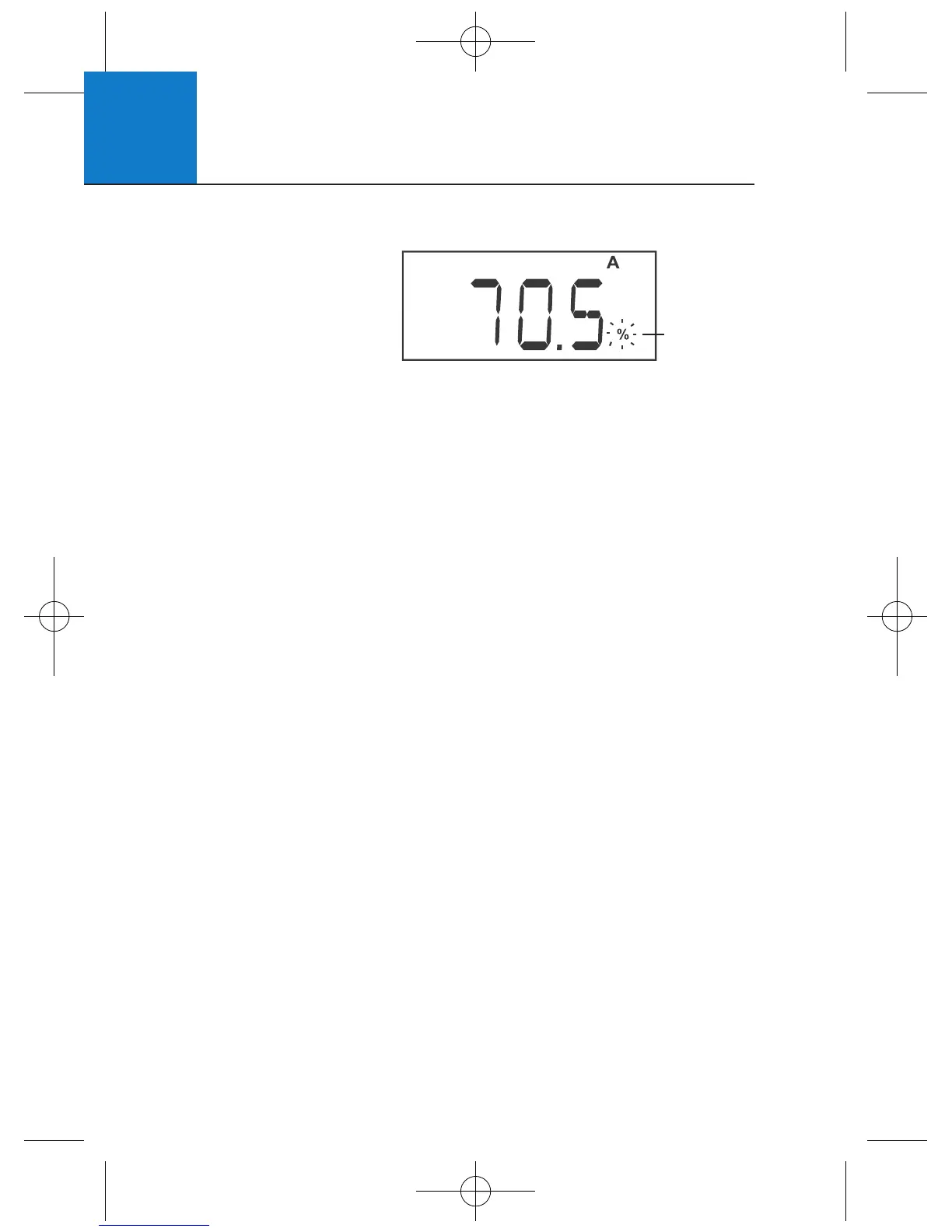
To hold the displayed
reading momentarily, press
HOLD/ENTER during
any measurement. The %,
mg/L, ppm or T annunciator
will blink, indicating that the value is held.
Press HOLD/ENTER again to deactivate the HOLD function. The meter reverts
to the current active measurement and the annunciator will stop blinking.
If the auto-off feature is activated, the meter will turn off automatically after
20 minutes of non use The HOLD value is not retained when the meter is
shut off automatically or manually.
Annunciator
Blinks when
meter is in
“HOLD” mode












 To Next Page