5
Setup
17
5.0 Setup
There are two setup menus. One menu is derived from the % saturation
and temperature modes, the other menu is derived from the mg/L
(or ppm) concentration mode.
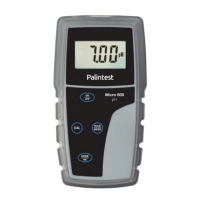
1 Press MODE to display % or temperature. Press ON/OFF to power off.
OR, Press MODE to display mg/L (or ppm). Press ON/OFF to power off.
2 With the meter off, keep the MODE key pressed. Press and release
ON/OFF, then release MODE. The meter should display “SEt.P”
after ON/OFF is released and “COF.1” after MODE is released.
Press CAL one or more times as needed during setup mode to exit and
return to measurement mode at any time.












 To Next Page