2.3.4 Cable specifications
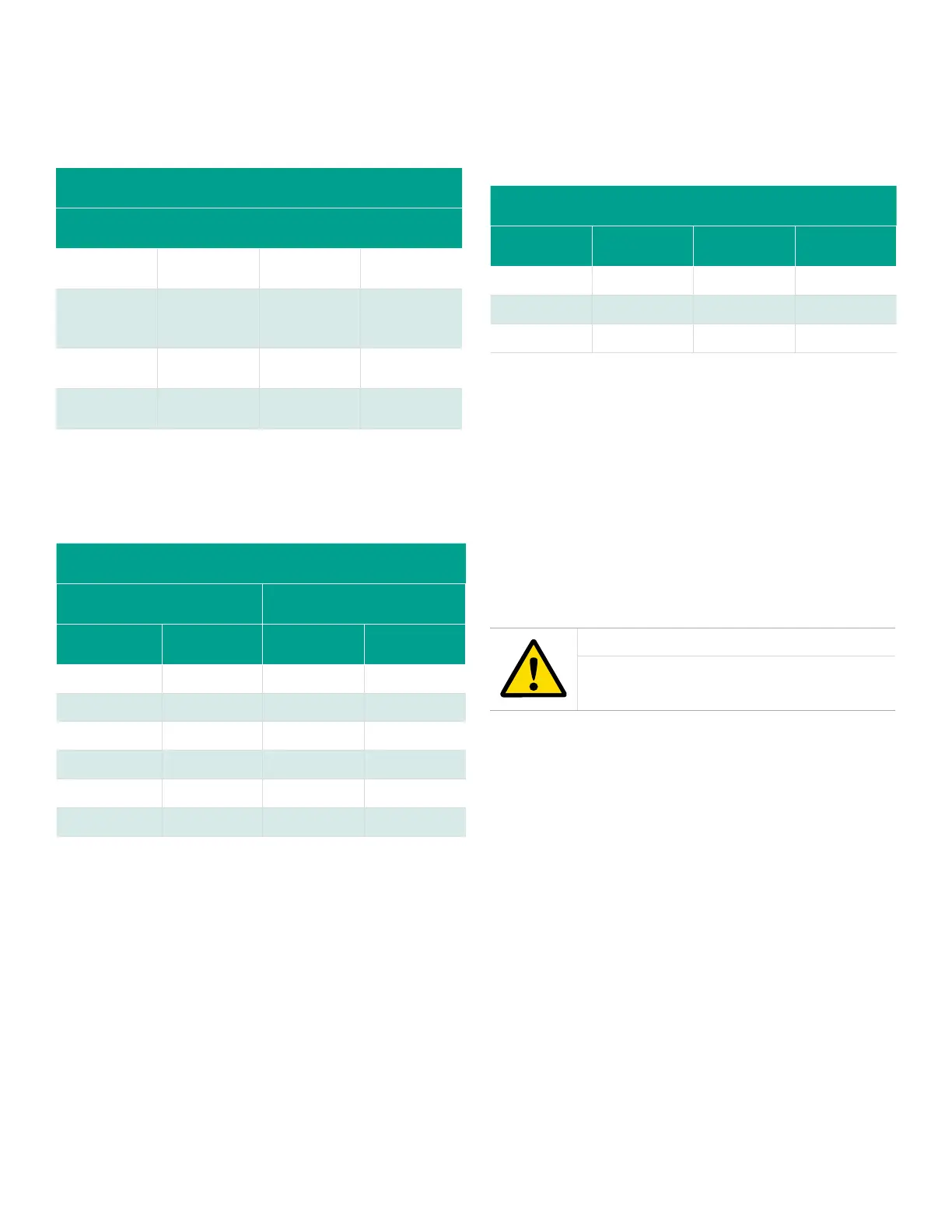
Table 1 below shows the transmitter wiring connections
using the standard Panametrics XMO2 4-wire cable [P/N
X4(L), where L = length in ft]. This cable can be used for
distances up to 450 ft (150 m).
Table 1: Panametrics 4-Wire XMO2 cable
Lead Color AWG Terminal
+24 VDC Line Red 22 TB1-1
24 VDC
Return
Black 22 TB1-2
4-20 mA (+) White 22 TB1-3
4-20 mA (-) Green 22 TB1-4
If you are using your own cable to wire the XMO2, refer to
Table 2 below for cable requirements.
Table 2: Non-Panametrics cable requirements
MAX. CABLE LENGTH WIRE SIZE
ft m AWG mm
450 130 22 0.35
700 200 20 0.60
1,050 320 18 1.00
1,700 500 16 1.20
2,800 850 14 2.00
4,000 1,200 12 3.00
Table 3 below shows the connections for the Panametrics
standard 3-wire RS232 cable (P/N 704-667, -668, -669, or
-670-L, where L = length in ft), which is available with a
DB-9 or a DB-25 connector (male or female). This cable is
available in standard lengths of 6 ft and 12 ft.
Table 3: Panametrics 3-Wire RS232 cable
Lead Color AWG Terminal
RX Red 22 TB2-1
TX White 22 TB2-2
GND Green 22 TB2-3
See EIA-RS Serial Communications (Panametrics document
#916-054) for a more detailed discussion of RS232 wiring.
Note: See Figure 64 on page 49 for detailed drawings of the
standard Panametrics cables described above.
2.3.5 Accessing terminal blocks TB1 and TB2
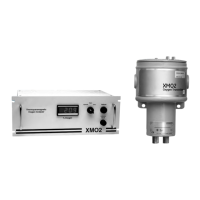
The 24 VDC power input, 4-20 mA analog output, and RS232
digital output wiring connections are made to terminal
blocks TB1 and TB2 inside the XMO2 enclosure (see Figure 7
below). To access this terminal block, loosen the locking set
screw and remove the cover from the transmitter. Then, refer
to Figure 7 below for the location and pin designations of
terminal blocks TB1 and TB2
CAUTION!
Do not make any connections to any unused
pins on terminal blocks TB1 or TB2.
9


 To Next Page