3.14.4 4-20mA test
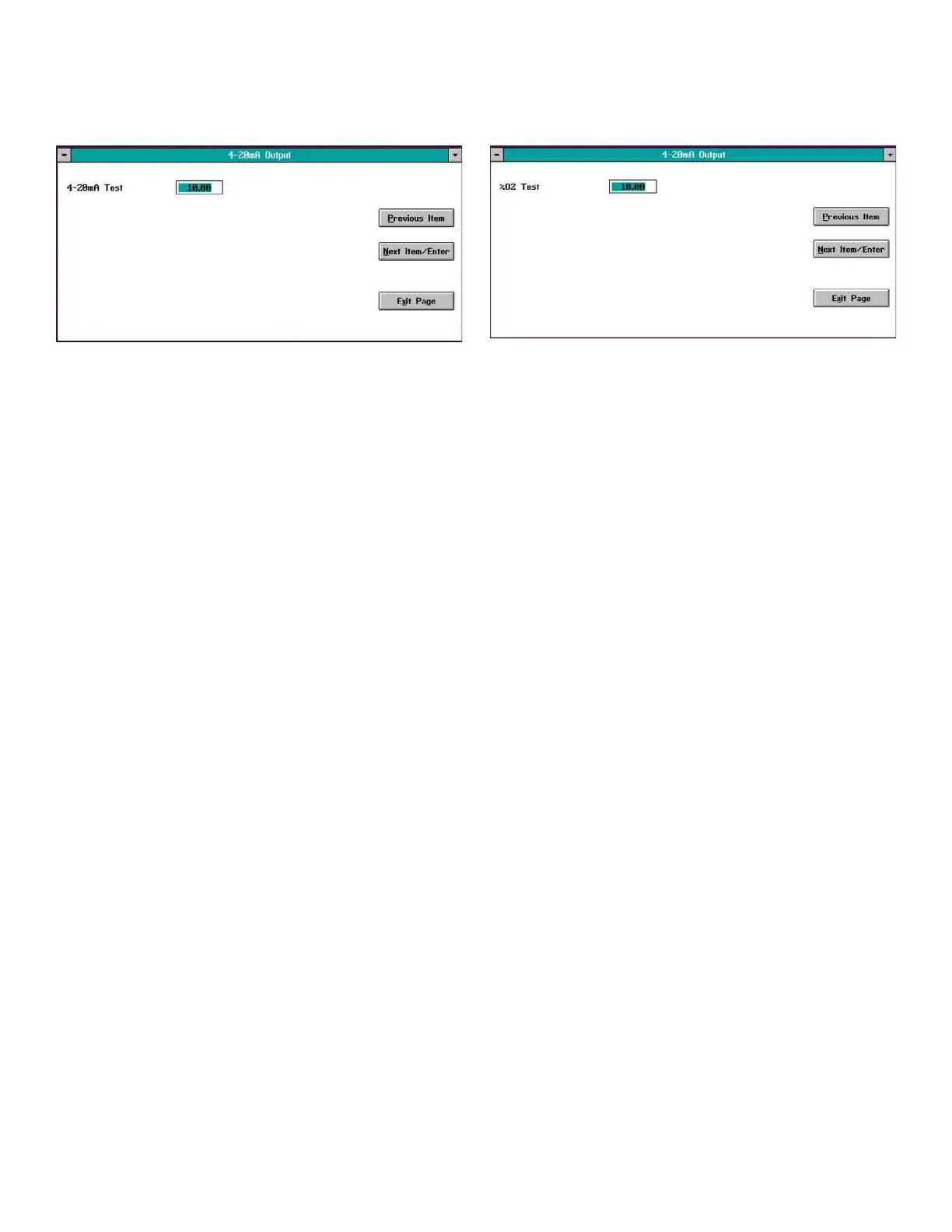
Selecting the 4-20mA Test option opens a window similar to
Figure 32 below.
Figure 32: 4-20mA test window
Enter a current value in the 4-20 mA range to force the
analog output signal to that value. Click on the Next Item/
Enter button and verify that the ammeter connected to the
output terminals on the rear panel reads the correct value.
You may repeat this procedure as many times as desired to
test the output at various points in the 4-20 mA range. When
you have finished, click the Exit Page button to close the
window.
3.14.5 %O2 test
Selecting the %O2 Test option opens a window similar to
Figure 33 below.
Figure 33: %O2 test window
Enter an oxygen percentage in the text box. Click on the
Next Item/Enter button and verify that the digital display
on the front panel reads the correct value. You may repeat
this procedure as many times as desired to test the display
reading at various oxygen percentages. When you have
finished, click the Exit Page button to close the window.
25


 To Next Page