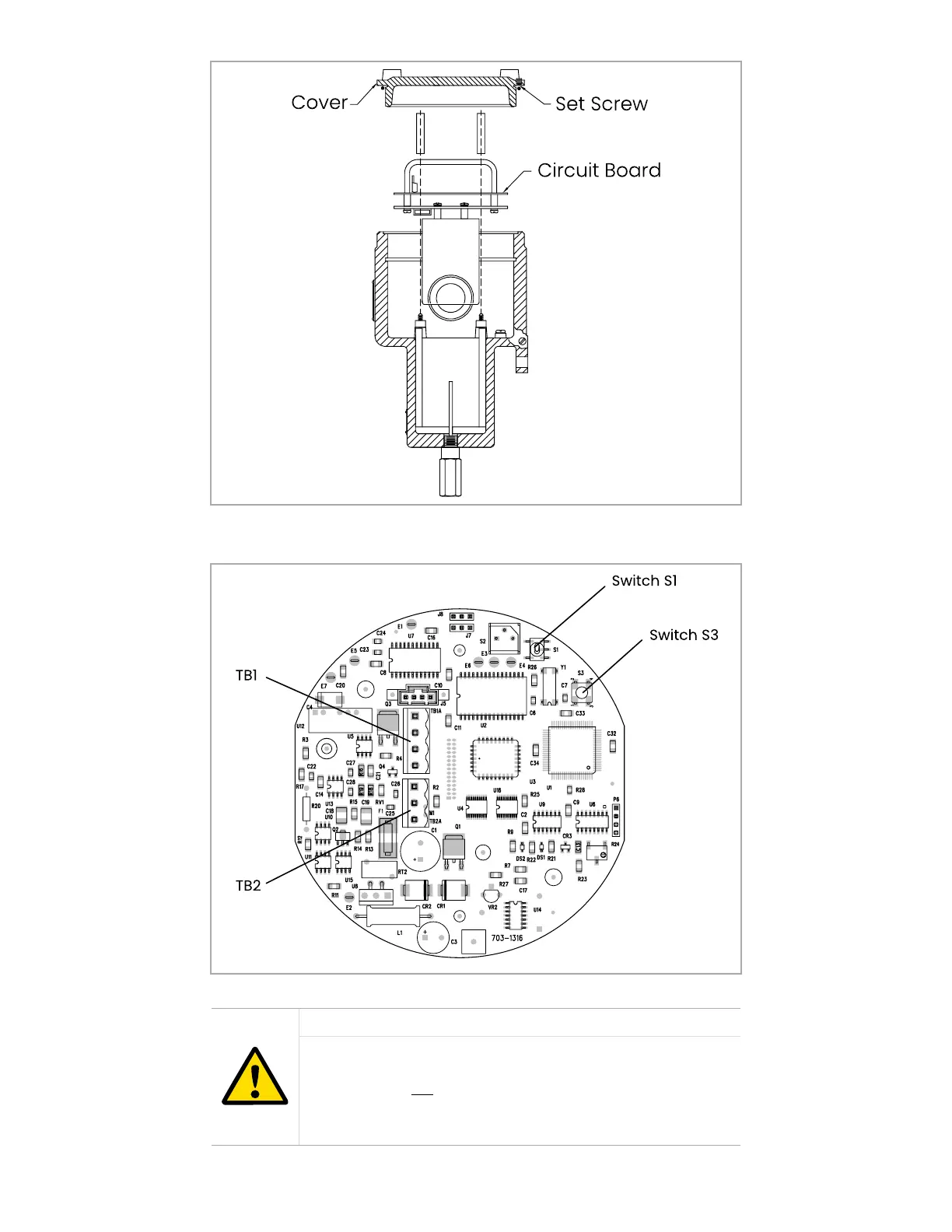
Figure 10: XMO2 Cover, set screw, and PCB
Note: The XMO2 digital PCB (see Figure 11 below) is located directly below the cover (see Figure 10 above)
Figure 11: PCB calibration switches
CAUTION!
Switch S2, jumper P6, potentiometer R24, and potentiometer
R25 are also located on the XMO2 circuit boards. However,
these items are not used for normal field calibration. Never
touch these items unless specifically instructed to do so by
Panametrics.
17



 To Next Page