Getting Started
30 For assistance, please visit http://www.panasonic.com/phonehelp
3 Enter the desired user name and password, then click [Next>].
Important:
L Please keep your user name and password securely.
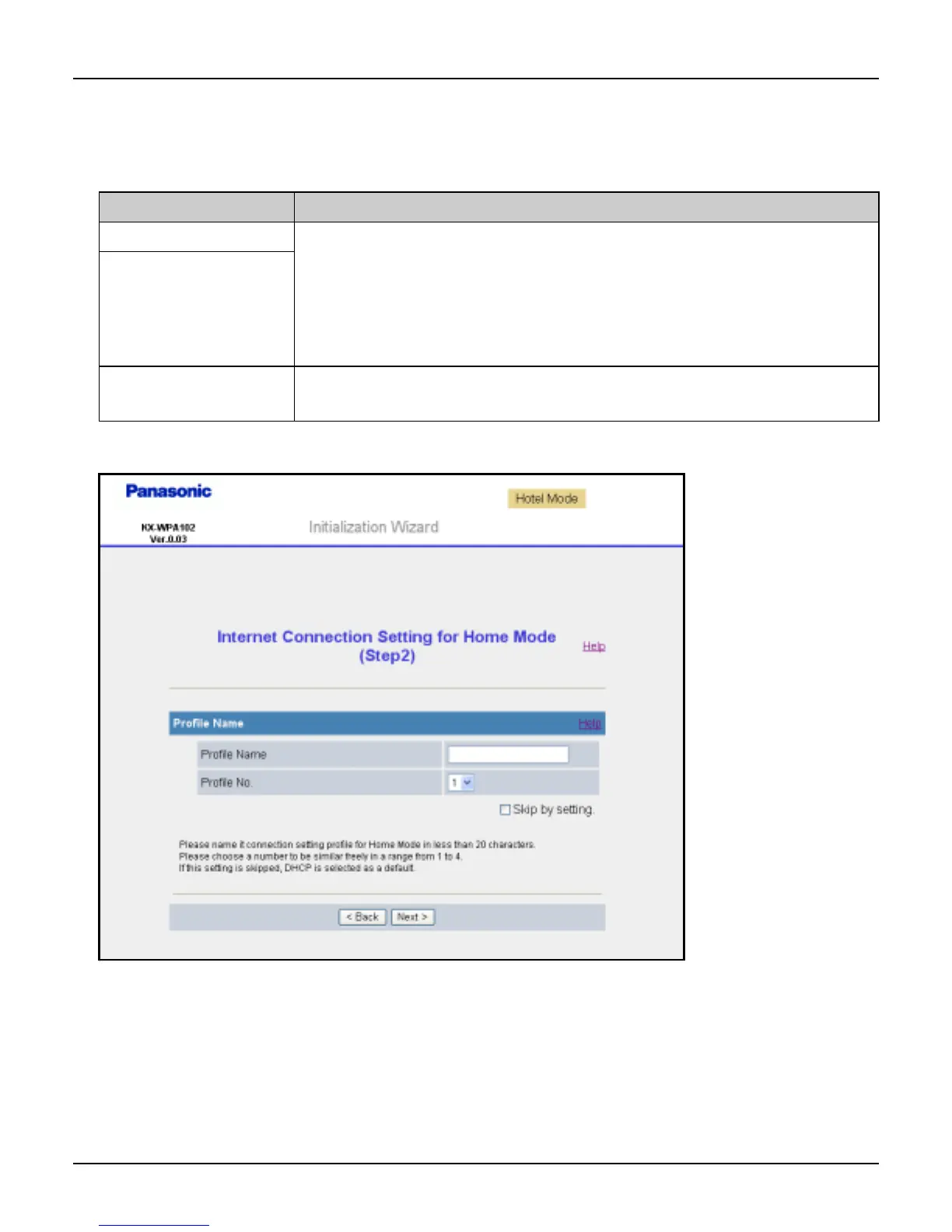
L The Internet Connection Setting for Home Mode page is displayed.
Setting Description
[User Name] L The user name and password can contain 6 to 15 characters
(including numbers).
L The following cannot be used: [ “ ], [ ‘ ], [&], [<], [>], [(space)]
L User name and password must be different from each other.
L User name and password are case-sensitive.
[Password]
[Retype
Password]
L Enter the password again.













 To Next Page