Getting Started
For assistance, please visit http://www.panasonic.com/phonehelp 31
4 Enter the desired profile name for the profile No. you select, then click [Next>].
L If you wish to use the default Internet connection setting (DHCP), check [Skip by
setting].
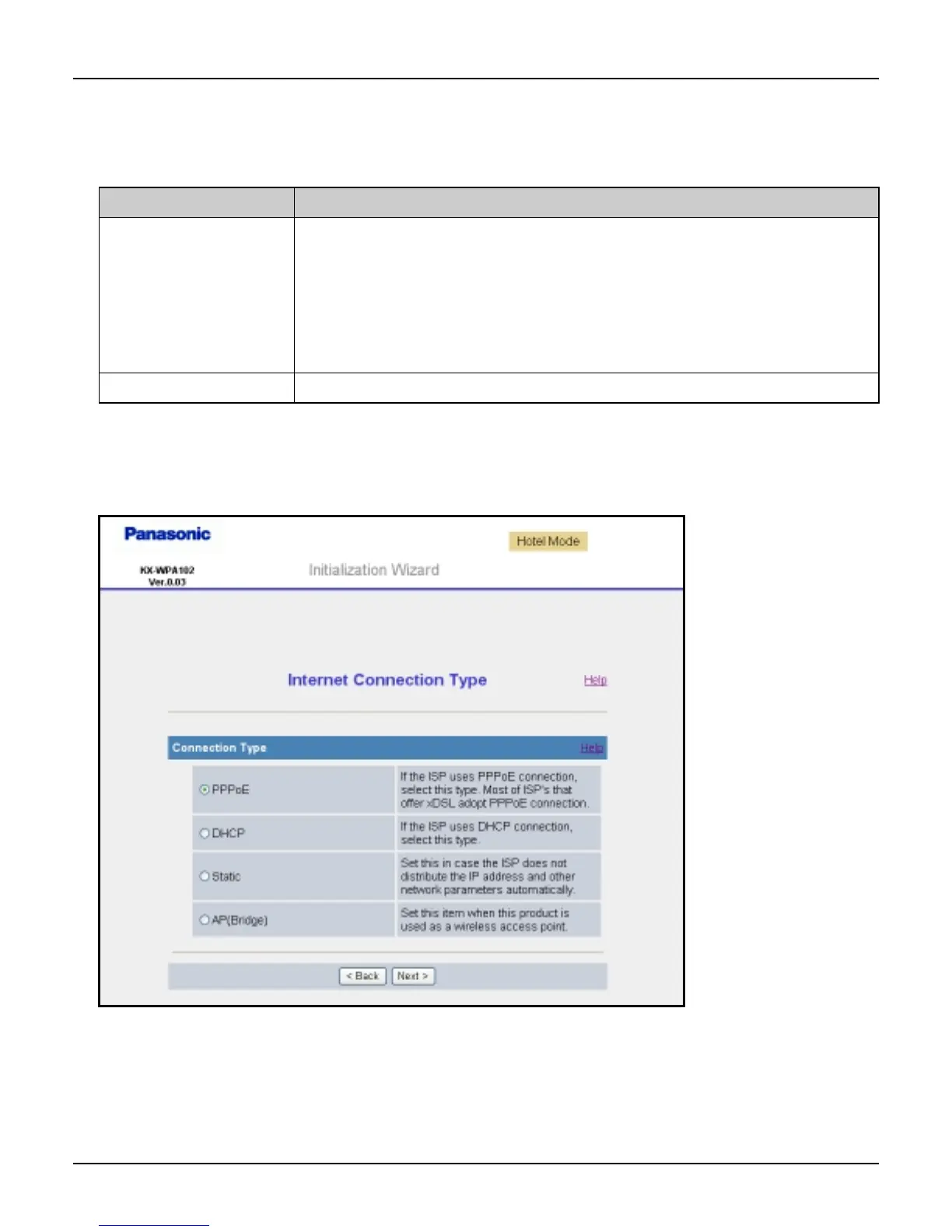
L The Internet Connection Type page is displayed.
Note:
L If you check [Skip by setting], the page will not be displayed.
Setting Description
[Profile Name] L The profile name can contain 1 to 20 characters (including
numbers). When different network connection settings are
created for different network environments, a profile name
should be given to each setting to distinguish one from
another. Name the setting, for example, “Hotel”, “Home” or
“Office”.
[Profile No.] L Select the number for the profile name.













 To Next Page