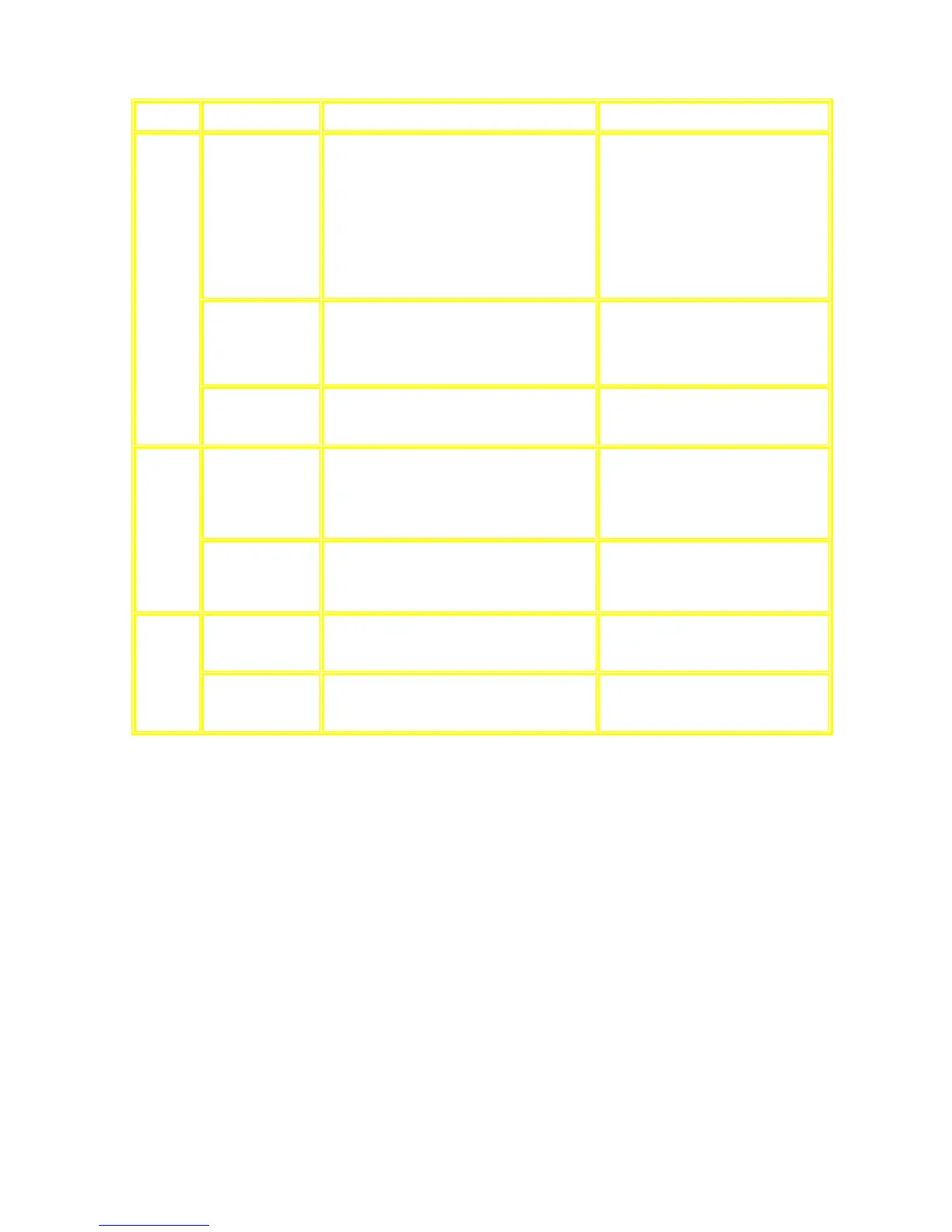
13.1.2 Troubleshooting Guide Part 2
Checking
Po
ints
Po
ssible Faults Possible Reasons Countermeasure
1. No PLAYBACK
(P
B)/Rec signal.
• IC1001 problem. (Check pin 23/24 for PB
in
put, pin 5/20 for PB output).
• Q1013/Q1012 shorted to ground with no
muting OFF.
• Q1020/Q1021 shorted to ground with no
muting OFF.
• Replace IC1001 if necessary.
• Replace Q1013/Q1012 if necessary.
• Replace Q1020/Q1021 if necessary.
2. Bias frequency.
• L1002 /IC1004/ Q1004/Q1005 problem.
Check level of bias frequency and
os
cillation.
• Replace these components if
necessary when level is below
specification.
Deck Circuit
3. No supply voltage
(+B/M0+B)
• See section on Panel Circuit.
1. FL No Display
• -Vp too low to power FL display.
• FL Display Driver IC problem. (IC6803)
• See section on Power Circuit.
• Replace IC6803 is faulty.
Panel
Circuit
2.
Error codes
• See section on error codes (Micro-processor
IC6800)
1. Audio Signal (I/P &
O/P) problem.
• Check for IC2815. • Replace IC2815 if faulty.
Main Circuit
2. Video Signal
pr
oblem.
• Refer to below section.









 To Next Page