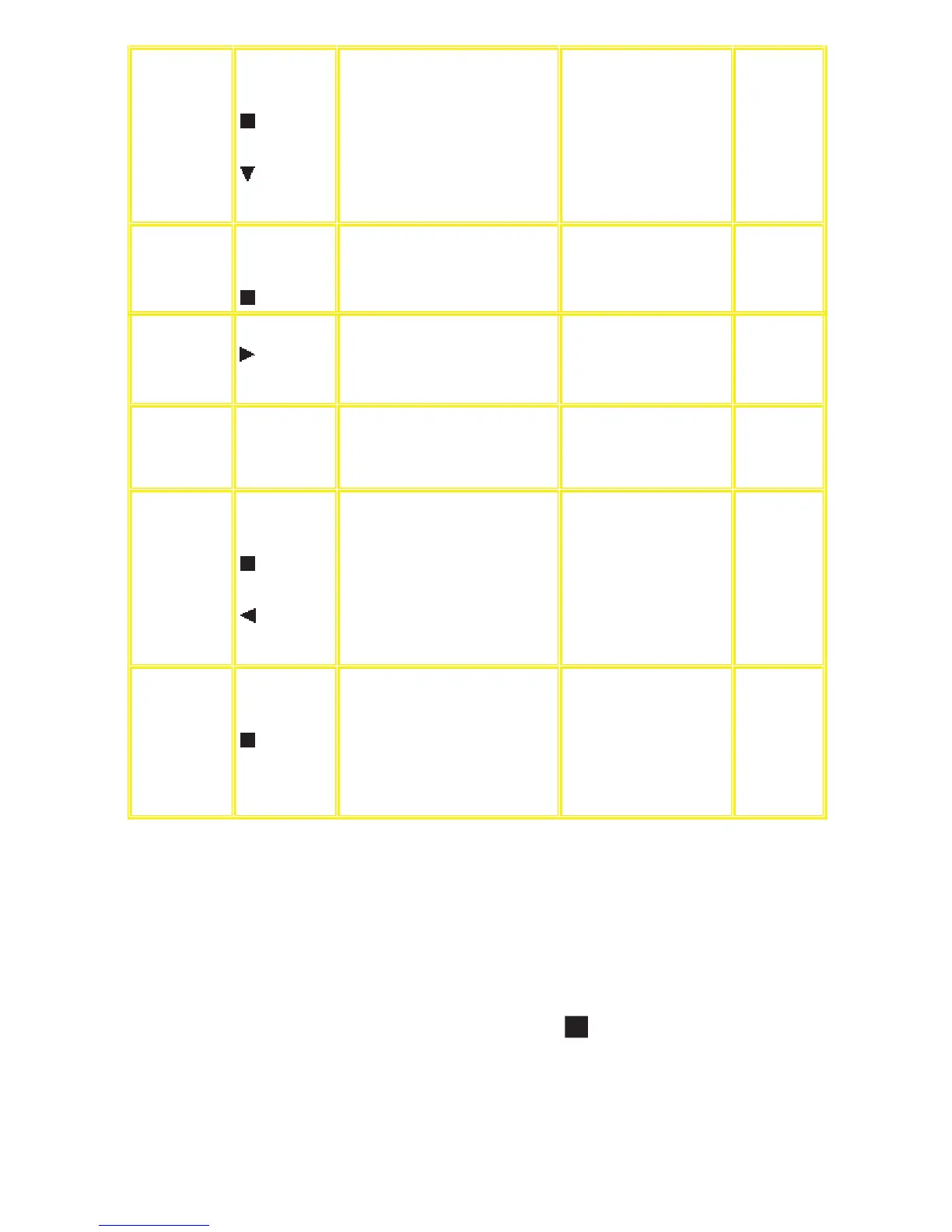
Reset laser use time While the usage
ti
me 1 is displayed,
press and hold down
th
e
button on the
player and the
button on the
remote controller
un
it.
La
ser usage time reset
Resets bo
th for DVD and CD at once.
T1_0000_0000 Automatically
exits the mode
after five
seconds.
Spindle use time While the player is
stopped and no disc
is inserted, press
and hold down the
button on the
Sp
indle motor usage time T2_12345
The four-digit number is shown by
th
e ten hours in the decimal digit.
The number after 00000 is 99999.
Auto
matically
exits the mode
after five
seconds.
player and the
button on the
remote controller
un
it.
User reset While the player is
stopped and no disc
is inserted, press
“S
TOP” &
“ENTER” on
remote control.
Reset
the unit. “DVD RESET” Automatically
exits the mode
after five
seconds.
Reset spindle use
ti
me
Whil
e the usage
ti
me 2 is displayed,
pr
ess and hold down
th
e
button on the
player and the
button on the
remote controller
un
it.
Usage time 2 reset
Sp
indle motor usage time
T2_
00000 Automatically
exits the mode
after five
seconds.
Communication
error display
Whil
e the player is
stopped and no disc
is inserted, press
and hold down the
button on the
player and the
MENU button on
th
e remote
controller unit.
Displays frequency of communication errors
between system computer firm IC and
mechanical computer IC during DVD
module.
ERR_00/
30 Automatically
exits the mode
after five
seconds.
15.7 Tray Lock Function
15.7.1 Setting
• Disc Lock Function
1. With the SELECTOR on DVD/CD and POWER ON, hold down the [ STOP] KEY on the main unit, and then press
the [POWER] KEY on the
remote control for 3 seconds to enter toLock mode A.[_ _ _LOCKED_] will
be displayed for 3 seconds, and then current disc will begin playing.
2. In Lock mode A, the following key is disabled.
[OPEN/CLOSE]









 To Next Page