15.2.1 Activating Self-Diagnosis Function and
Displaying Method
1. Turn on the power.
2. Select DVD/CD function. With no DVD/CD inserted in the player, press and hold down the button for at least two
seconds, and press the “0” buttonon the remote control for at least two seconds in order to display “DVD_F_ _ _ ”.
3. Press the button. If a memorized error is detected, the result of self diagnosis is displayed.
(Ex.: T H15)
If several errors are detected, press the button to display each.
15.2.2 Re-Display
• Press the power button to turn off the power, and then turn on the power
• The details of self diagnosis are stored in the unit memory.
To retrieve them, follow the procedure described the above, “Activating Self- Diagnosis Function and Displaying Method”.
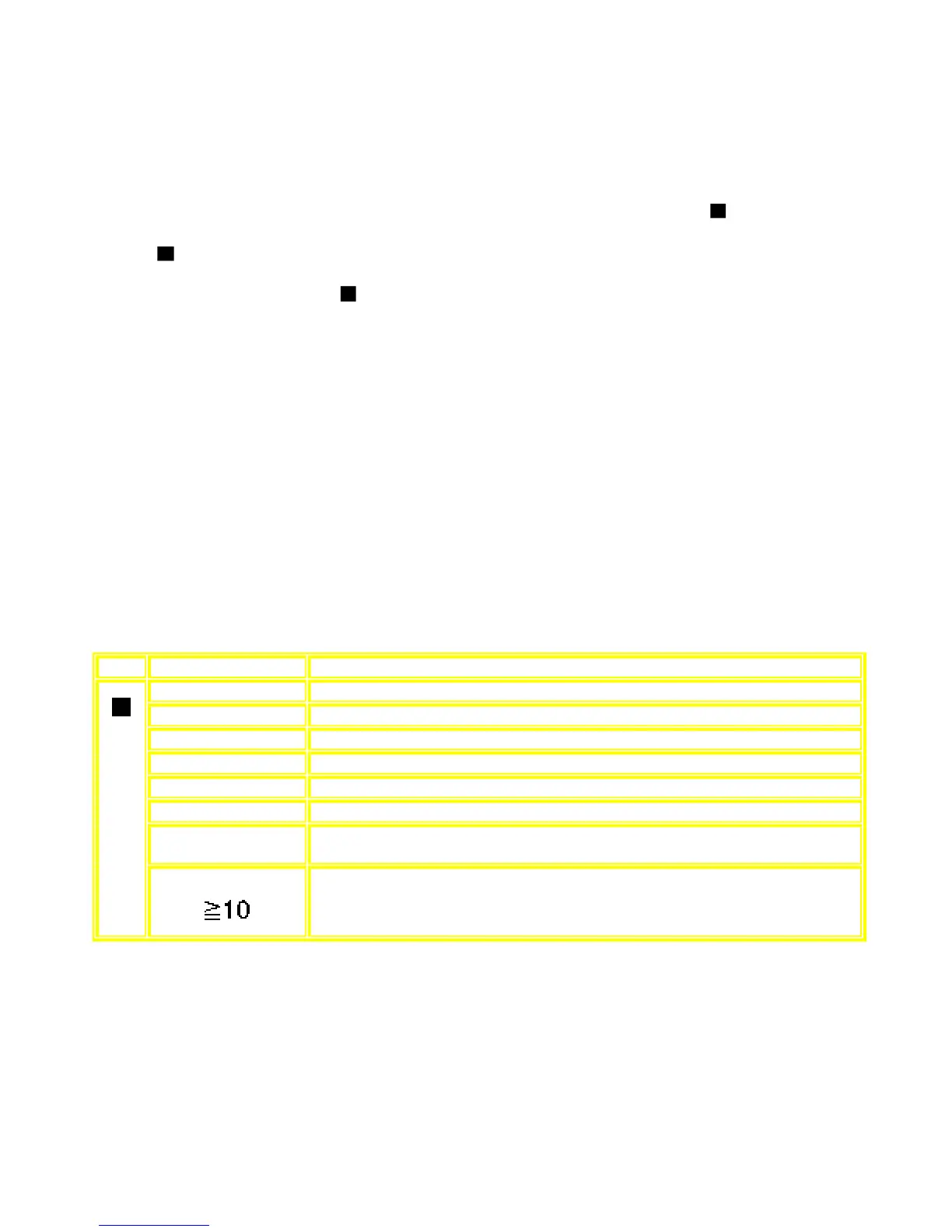
15.3 Mode Table 1
Following modes are available with combinations of the pressed buttons on the player and on the remote controller unit.
Player Remote Controller Unit Usage
0 Error code display (Refer to the Item 15.4. DVD Error Code Description)
5 Tilt adjustment (Jitter)
6 Region number and broadcasting system check
8 Bulit-in program version check (Micro-P)
DISPLAY DVD laser drive current check
3 CD laser drive current check
PAUSE Writing of laser drive current value after replacement of optical pickup
(Do use this function only when optical pickup is replaced.)
button
Initialization of the player (factory setting is restored.)
Used after replacement of micro-computer and its peripherals and printed circuit board.









 To Next Page