1. With the SELECTOR on DVD/CD and POWER ON, hold down the [CD PLAY] KEY on the main unit, and then press
the [POWER] KEY on the remote control for 3 seconds to enter Lock mode B.
[_ _ _ LOCKED_] will be displayed for 3 seconds, and the current disc will begin playing.
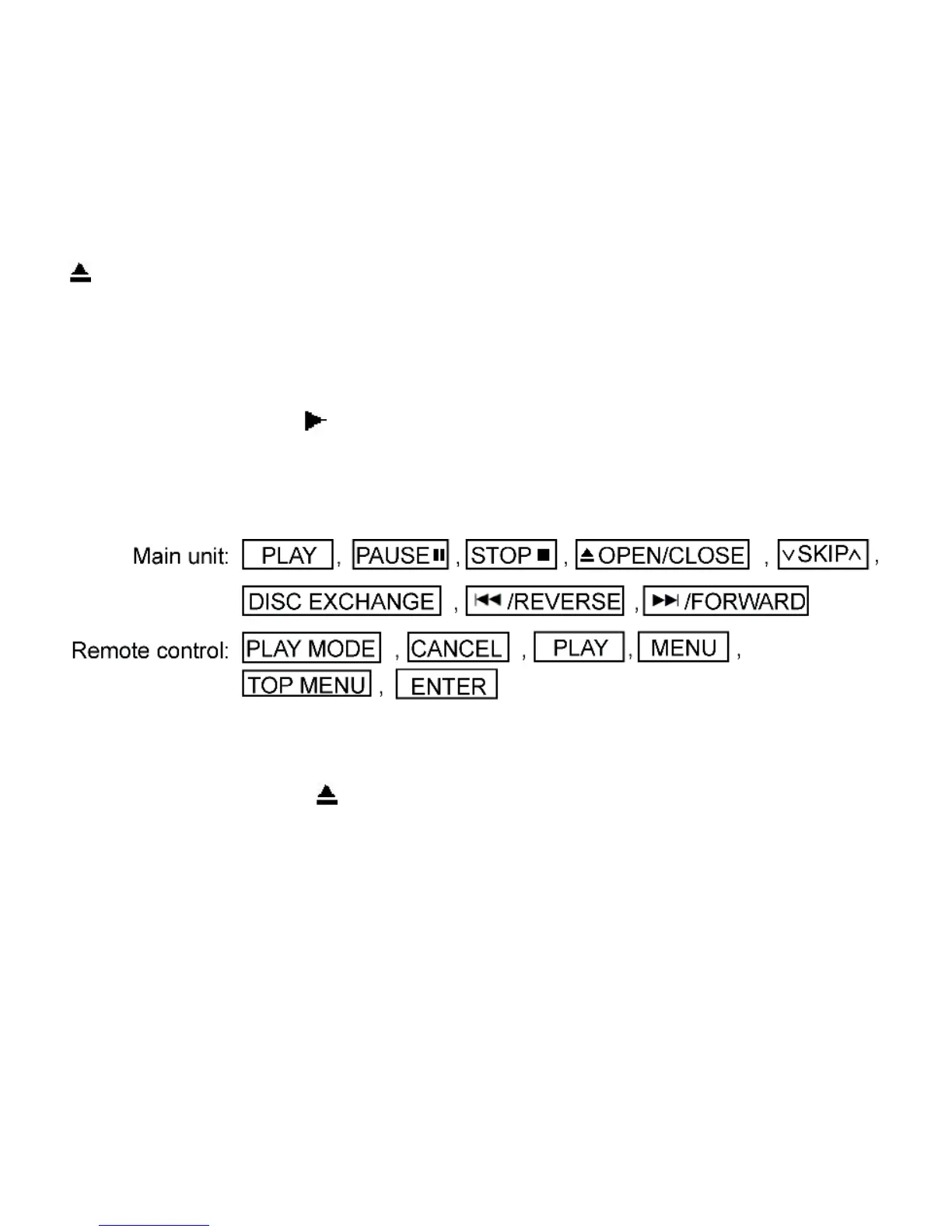
2. Lock mode B primarily controls the selector and disc operations, and disenables for the following keys.
Note:
OPEN/CLOSE
button are invalid and the player displays “___LOCKED_” while the lock function mode is entered.
• Prohibiting operation of selector and disk
1. Select the DVD/CD function.
2. Press and hold down the button on the player and the power button on the remote controller unit for at least three
seconds. (The message, “___LOCKED_” appearswhen the function is activated.)
Note:
• The following buttons are invalid and the player displays “___LOCKED_” while the lock function mode is entered.
15.8 Things to Do After Repair
Follow the procedure described below after repair.
1. While the power is on, press the button to close the tray.
2. Press the power button to turn off the power.
3. Unplug the power cable.
Note:
It is prohibited to unplug the power cable while the tray is opened and to close the tray manually.
16 Cautions To Be Taken During Servicing
16.1 Recovery after the dvd player is repaired
16.2 DVD Player Firmware Version Upgrade Process
16.3 Firmware Version Upgrade Process by Using Disc and Recovery Process
16.3.1 Self-Diagnosis Function
16.4 Using Recovery Disc
16.4.1 Recovery Process
16.4.2 Version Upgrade Process
16.5 Total Usage Time Display
16.6 After replacement of DVD Module









 To Next Page