35
BASIC OPERATIONS
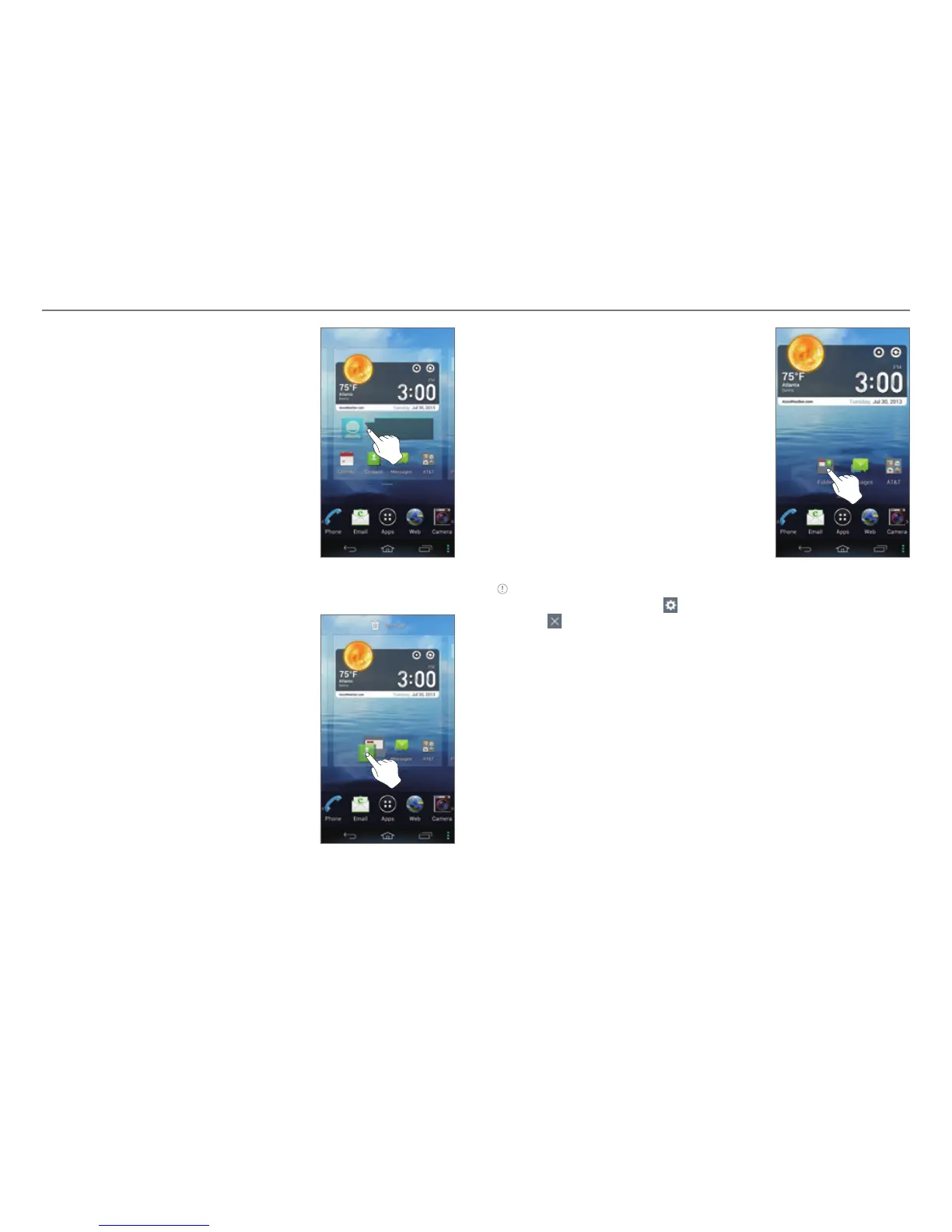
3. Tap and hold an item.
4. Drag it to the desired location.
x Tap an item to align it with
other icons automatically.
Adding a Folder
Add a folder that contains shortcuts
or application icons to the Home
screen.
1. On the Home screen, tap and hold
an icon.
2. Drag it onto another icon.
3. Release your finger when a folder
is created.
Note
x Open the folder and tap to change the title or color of the folder.
x Tap to close the folder.



 To Next Page