83
MENU FUNCTIONS
3
5 6 7
2
4
1
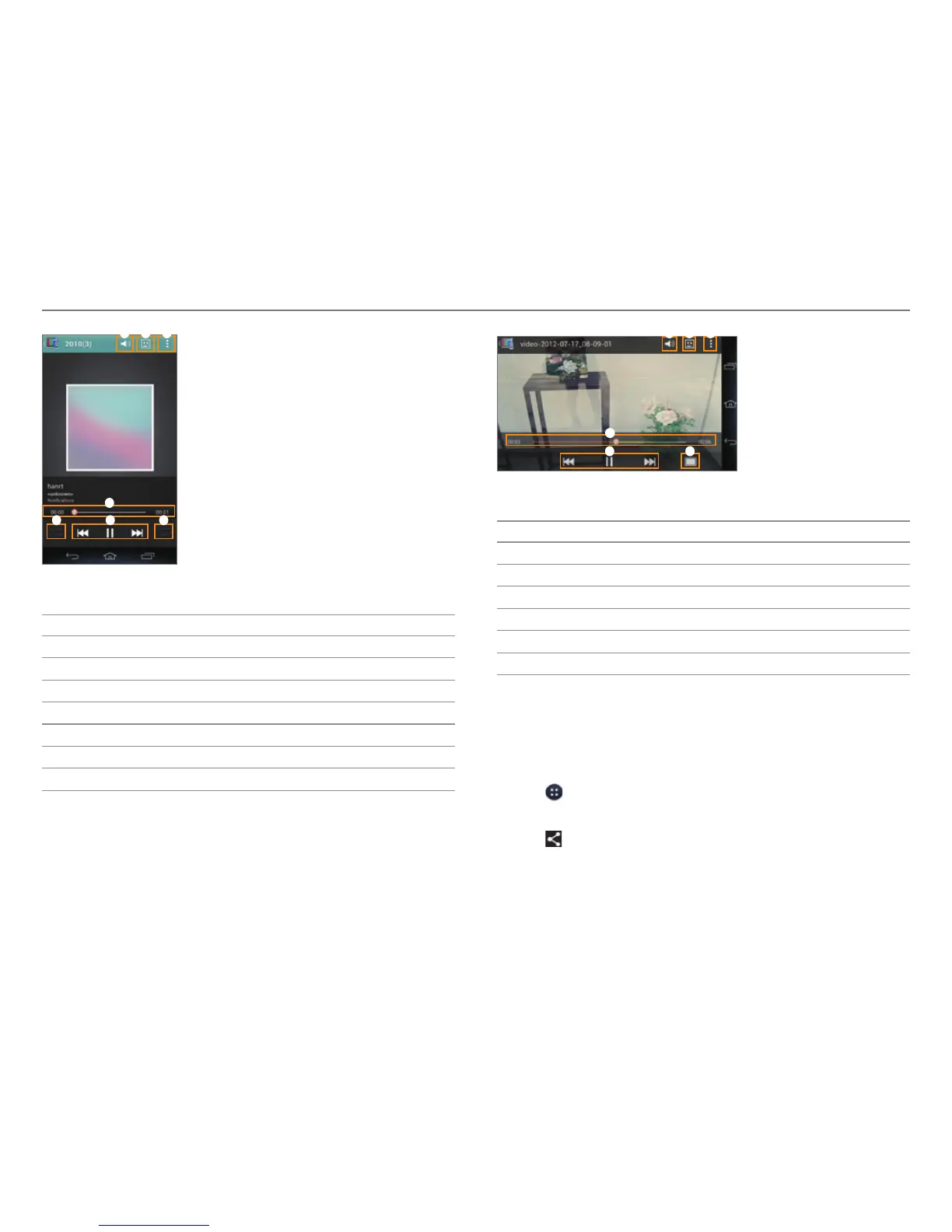
Example: When you play music.
No. Description
1
Adjust the volume.
2
Select a device to play the file with.
3
View a playlist. View the file information.
4
Playback progress bar
5
Set random play.
6
Control the playing.
7
Set repeat play.
21
4
6
3
5
Example: When you play a video.
No. Description
1
Adjust the volume.
2
Select a device to play the file with.
3
View a playlist. View the file information.
4
Playback progress bar
5
Control the playing.
6
Adjust the screen size.
Sharing or Uploading Media Files with Other
Devices
To Share or Upload Photo or Video
1. Tap > Gallery.
2. Select and tap a folder > a photo or video.
3. Tap
> Net Media.
4. Tap Select device to play or Upload.



 To Next Page