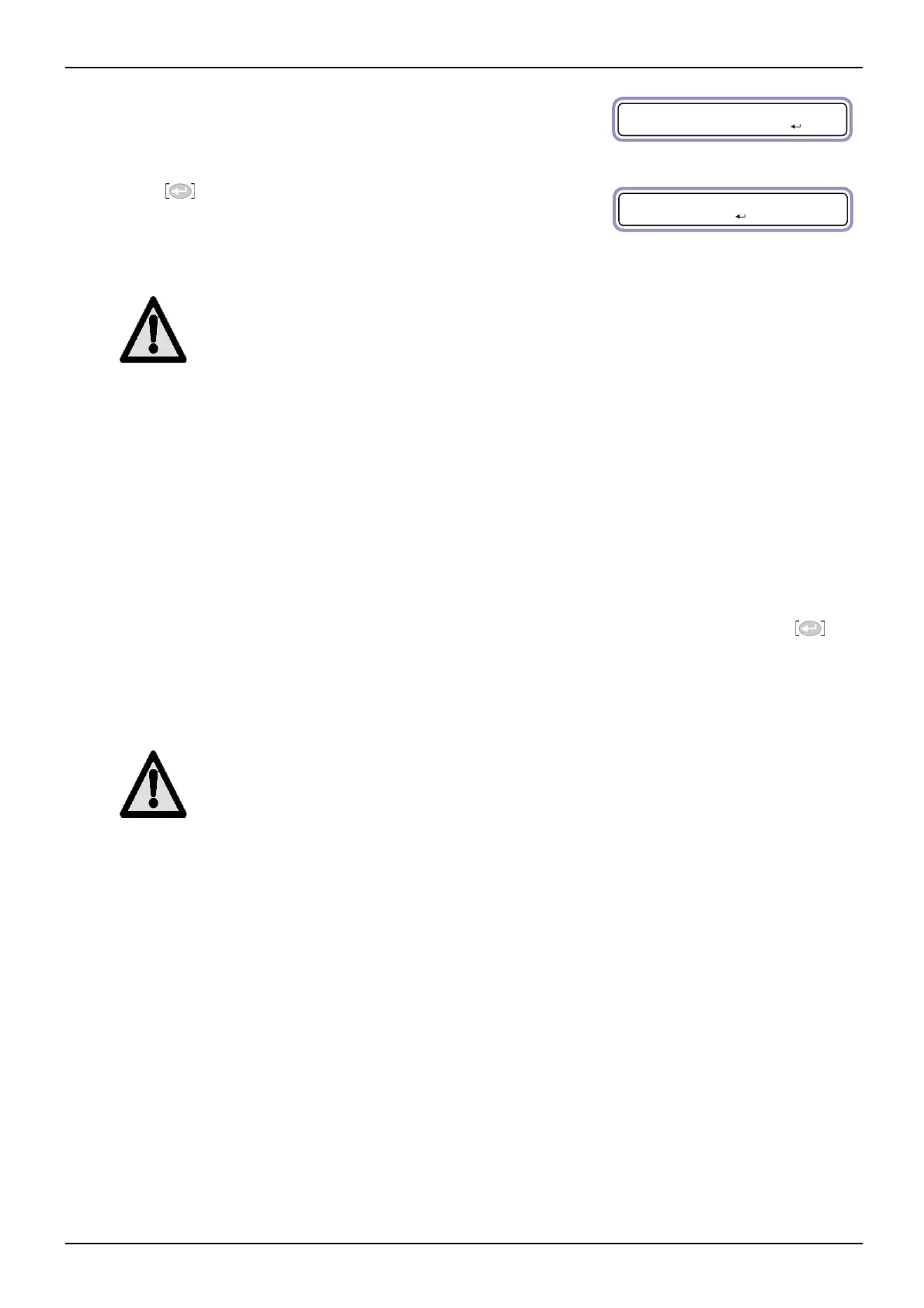
Ru n
St a n dby
G1 - G9
11
Connect the generator to the electrical supply and wait. The generator will default to
standby mode.
Note: T
he G4 generator will run through an initialisation routine prior to going into
standby mode. This routine takes approximately 60 seconds.
Press to start the generator.
The menu will change as shown and the system chec
k LED will cycle between green
and red.
Caution
Prior to connecting the generator to the system it must cycle for a minimum of 3 hours to reach the specified
purity. Generators with a specified purity of 10ppm and 100ppm must cycle for a minimum of 6 hours.
Once the generator has reached its specified pur
ity it can be connected to the application.
If you are using the G4 generator with an external MFC:
1. Close the ball valve on the N
2
MFC outlet.
2. Disconnect the generator from the electrical supply.
3. Connect the application piping to the N
2
outlet.
4. Reconfigure the MFC bypass valve so that the gas is delivered to the N
2
outlet as described.
5. Reconnect the generator to the electrical supply and w
ait. When the generator reaches standby mode press
.
6. The ball valve may be removed from the N
2
MFC outlet and replaced with the blanking plug.
The system should reach the specified purity within an
hour. No further user intervention is required.
Caution
If the operation of the generator is interrupted and the receiver pressure falls below 5 Bar, this start up
sequence must be followed in its entirety including. If the receiver pressure does not fall below 5 Bar it is
recommended that the generator be run for 1-hour off line to allow the specified purity to be achieved.



 To Next Page