ARIES8 REFERENCE GUIDE
v2.1 | 16
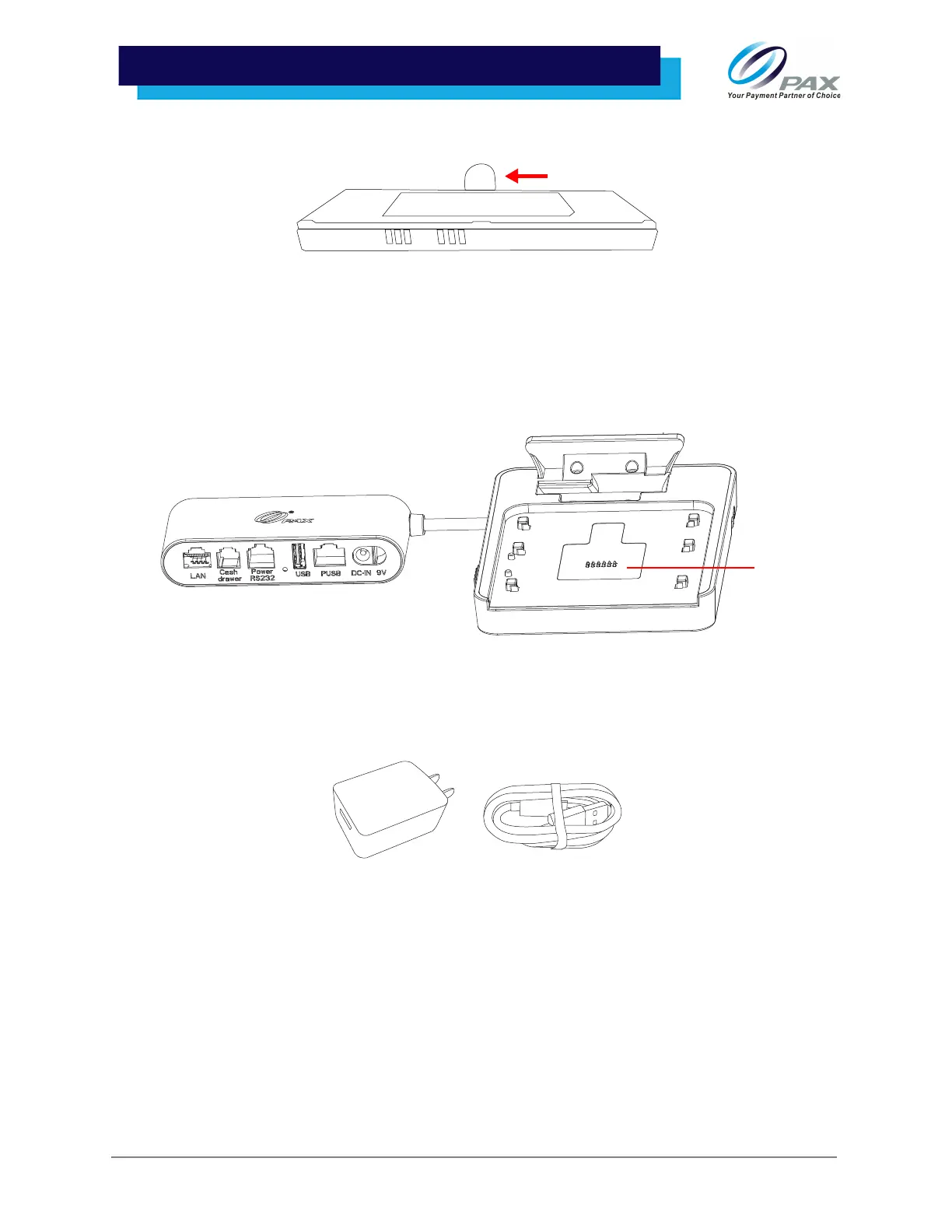
2. Using the cloth tab, slide the battery up to remove it from the device.
6 .3 Charging Battery
There are two ways to charge the Aries8 Pro Smart Tablet’s battery:
1. Connect the tablet to the Mounting Plate with Communication Box’s Pogo Pin. This will
automatically power on the tablet while charging the battery.
2. Using the USB Type-C cable and power supply, plug the tablet into a power source.
Please Note:
• The USB cable will charge the tablet’s battery but does not completely power the tablet. To
power on the tablet, please use the Integrated Plate or Mounting Plate with Communication Box.
• The USB cable cannot charge the tablet’s battery when the tablet is connected to an Aries Handle.



 To Next Page