ARIES8 REFERENCE GUIDE
v2.1 | 24
9 .2.2 INTEGRATED PLATE POWER
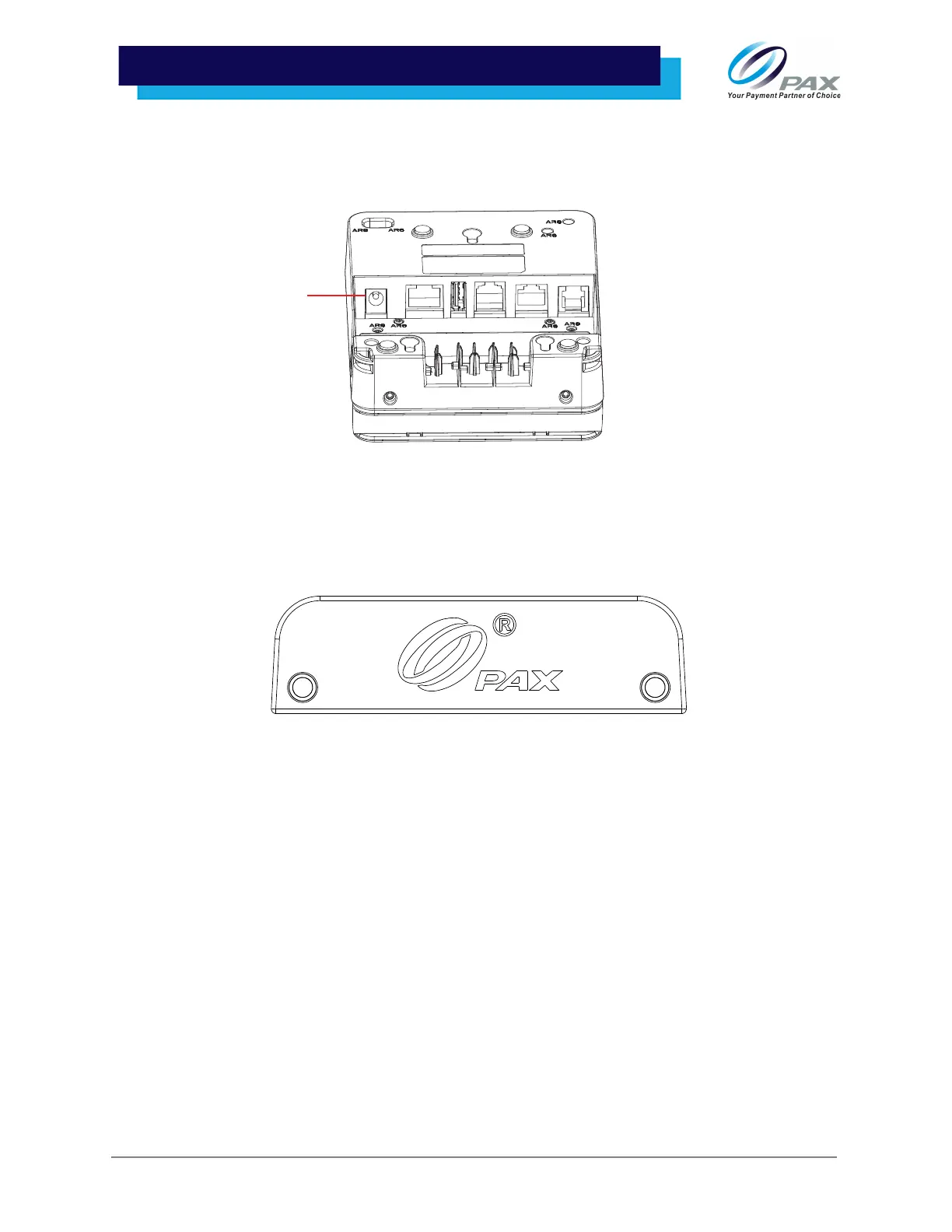
1. Plug the Aries8 cable and power supply into the port marked [Power] on the back of the
Integrated Plate. Once plugged in, the device will show its charge status.
9 .2.3 INTEGRATED PLATE STYLUS HOLDER
The Aries8 Integrated Plate Stylus Pen Holder does not come attached in any Aries8 Kit configurations and
must be ordered separately.
Please Note:
• The Integrated Plate is only included in the Aries8 Kit and must be ordered separately for the
individual Aries8 Smart Tablet.
• When ordered separately for the Aries8 Smart Tablet, the stylus pen holder does not come with
the plate and be ordered separately.
• A stylus pen is not included with any Kit or Integrated Plate configuration and must be ordered
separately.



 To Next Page