ARIES8 REFERENCE GUIDE
v2.1 | 69
15 .5 Cellular
The Aries8 and Aries8 Pro Smart Tablets support cellular communications. Either an AT&T®, Verizon®, or
T-Mobile® SIM card is required to support cellular communication. This section includes information
about installing a SIM card, but your Aries8 or Aries8 Pro Smart Tablet may come with the SIM card
already installed and ready to use when you receive your terminal.
For the terminal to communicate with the host or to download applications, the terminal
communications method must be configured properly. Please consult your cellular carrier for additional
configuration questions.
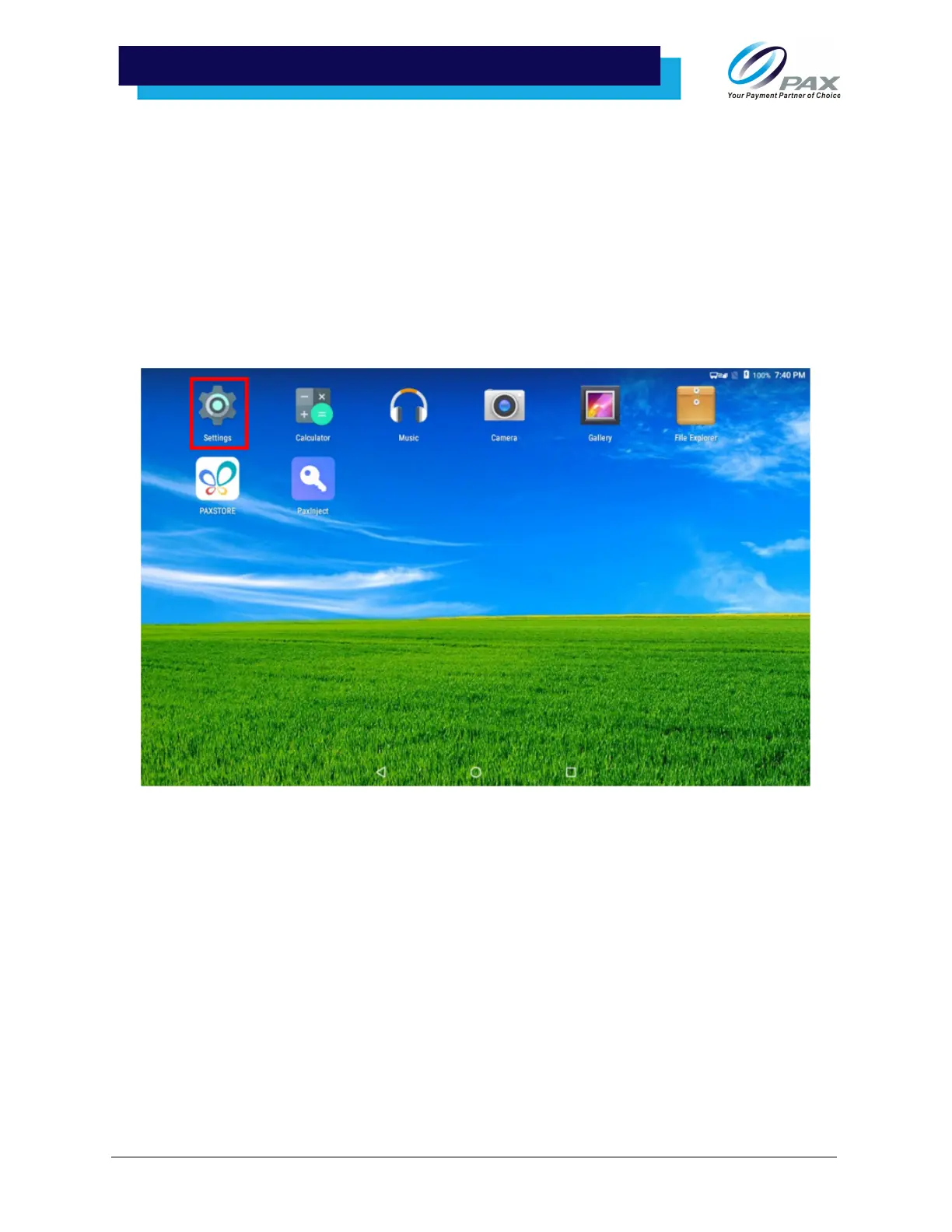
1. Select [Settings]. A password prompt will appear on the screen. Type the password into the
password input and select [OK] to access the device settings.



 To Next Page