ARIES8 REFERENCE GUIDE
v2.1 | 52
15 .2 Static IP
The Aries8 and Aries8 Pro Smart Tablets support Static IP setup for network and internet access. Static IP
addresses allow network devices to keep the same IP address instead of automatically assigning IP
addresses such as in a DHCP setup.
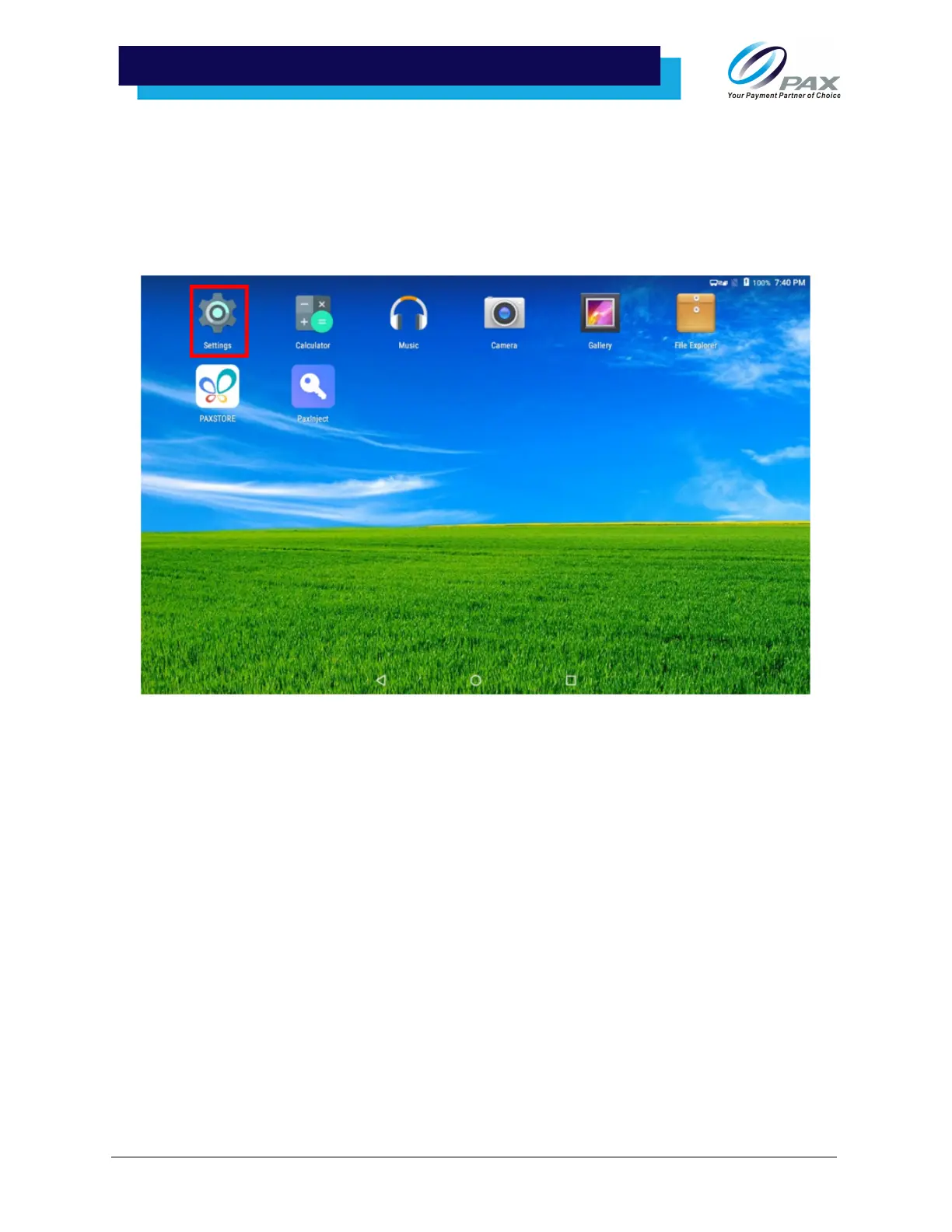
1. Select [Settings]. A password prompt will appear on the screen. Type the password into the
password input and select [OK] to access the device settings.



 To Next Page