ARIES8 REFERENCE GUIDE
v2.1 | 32
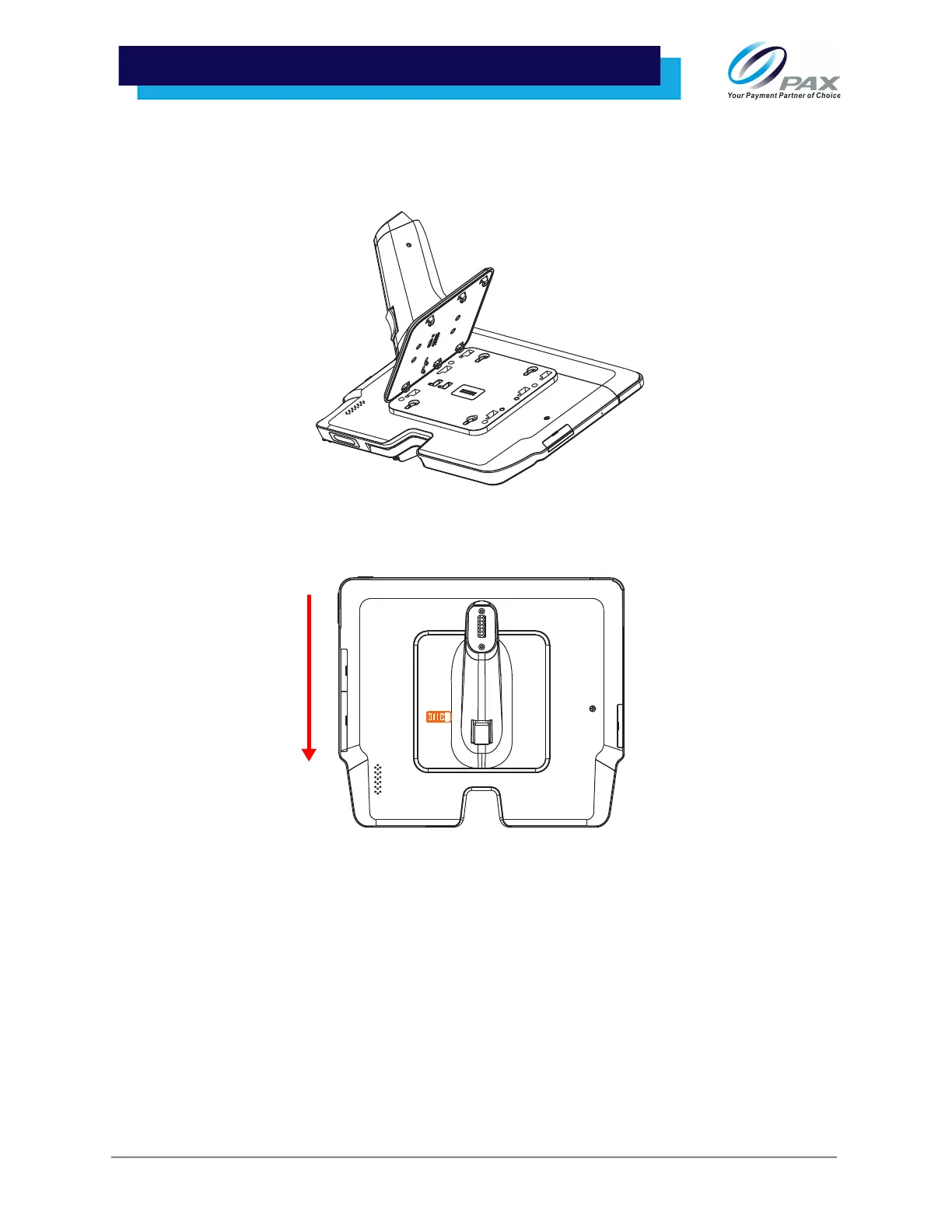
10 .1 Install Handle
1. Carefully place the tablet with its underside facing up. Align the six orienting pegs on the
handle with the holes on the tablet adapter, then lower the pegs on the handle onto the
tablet adapter.
2. Push the handle in the direction shown to the end and then slide the orange switch to the left
to lock the handle in place.
Please Note: Carefully lift the tablet by its handle to ensure that the tablet is securely fastened to the
handle. If the handle won’t attach to the tablet, the handle may be facing in the wrong direction. The
orange scanner button on the handle should be on the side facing the orange card reader opening.



 To Next Page