ARIES8 REFERENCE GUIDE
v2.1 | 33
10 .2 Charging Handle
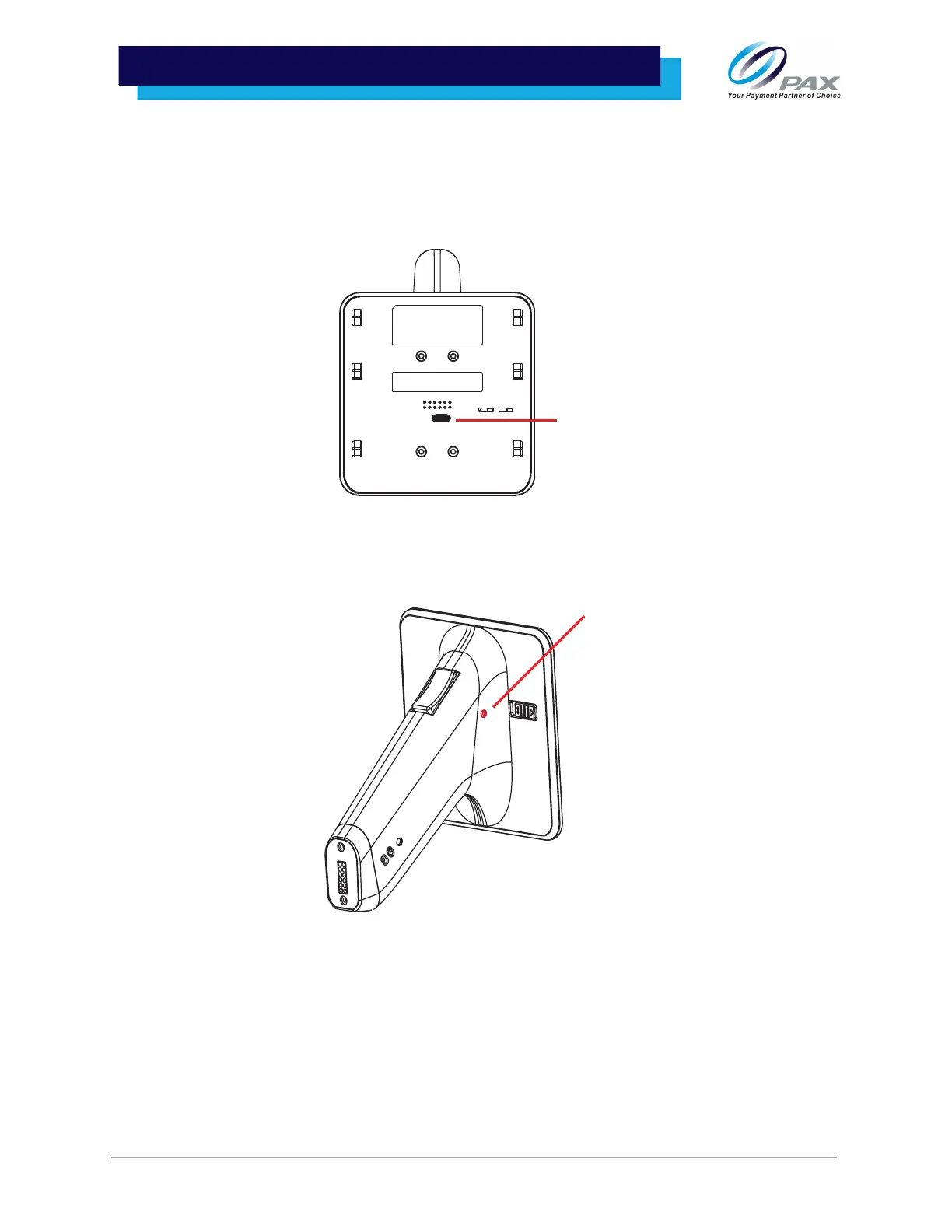
This section describes how to charge the Aries handle. The handle will not charge while it is connected to
an Aries8 Pro Smart Tablet that is being charged. The handle must be disconnected from the tablet to
charge.
1. Plug the USB Type-C cable connector into the Type-C charging port on the handle.
10 .3 Charging Indicator on Handle
There is a power indicator light on the Aries handle.
• A red indicator shows that the device is charging.
• A green indicator shows that charging is complete.
• Red and green indicators flashing alternately indicate a charging problem.
Please Note: The handle’s battery will not charge while the handle is attached to the Aries8 Pro Smart
Tablet and the USB Type-C Cable is being used.



 To Next Page