ARIES8 REFERENCE GUIDE
v2.1 | 19
7. AC Power Connection
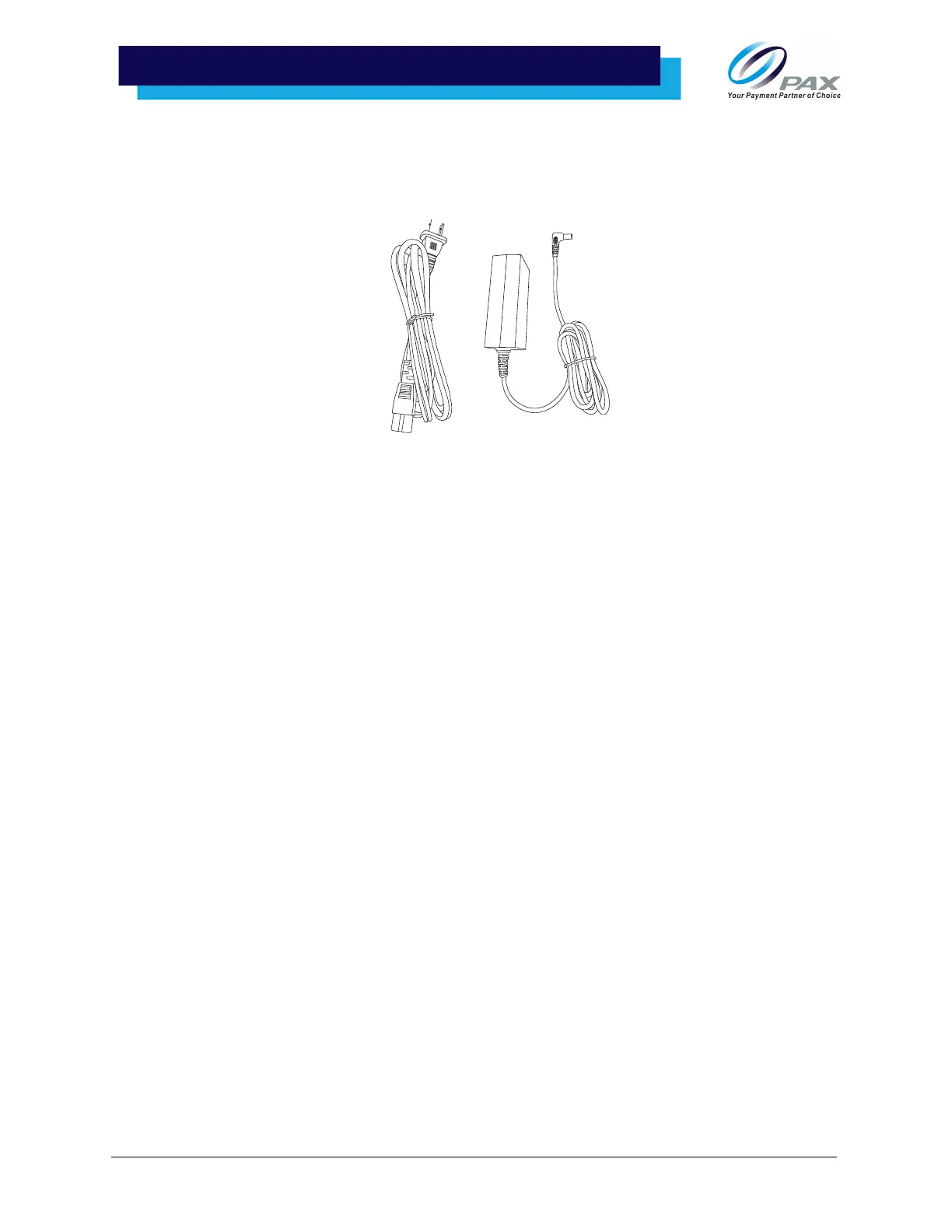
The Aries8 and Aries8 Pro Smart Tablet are both powered through connecting the Aries power cable and
supply to the connected Integrated Plate or Aries Mounting Plate with Communication Box, described in
section “Adapter, Plates, and Communication Box” on page 22.
Optionally, the Aries8 Pro Smart Tablet may also be powered by connecting a PUSB cable to the Integrated
Plate or Mounting Plate with Communication Box. Please see section “Cable Use Cases” on page 20 for
more details.
WARNING:
• The Aries8 Smart Tablet does not include an internal battery; the tablet will immediately turn off
when unplugged while any processing transactions will be lost once power is removed.
Additionally, the provided USB Type-C cable is for data only; it will not charge or power the Aries8
Smart Tablet.
• Do not remove power from Aries8 tablet while it is in operation. Close applications before
removing power.
• Only the Aries power supply or a PUSB cable that connects to the Communication Box or
Integrated Plate is supported. Using other power supplies would void the Aries warranty.
• The Aries power supply can also be connected to the Aries USB cable.



 To Next Page