ARIES8 REFERENCE GUIDE
v2.1 | 17
6 .4 Battery Charge Status
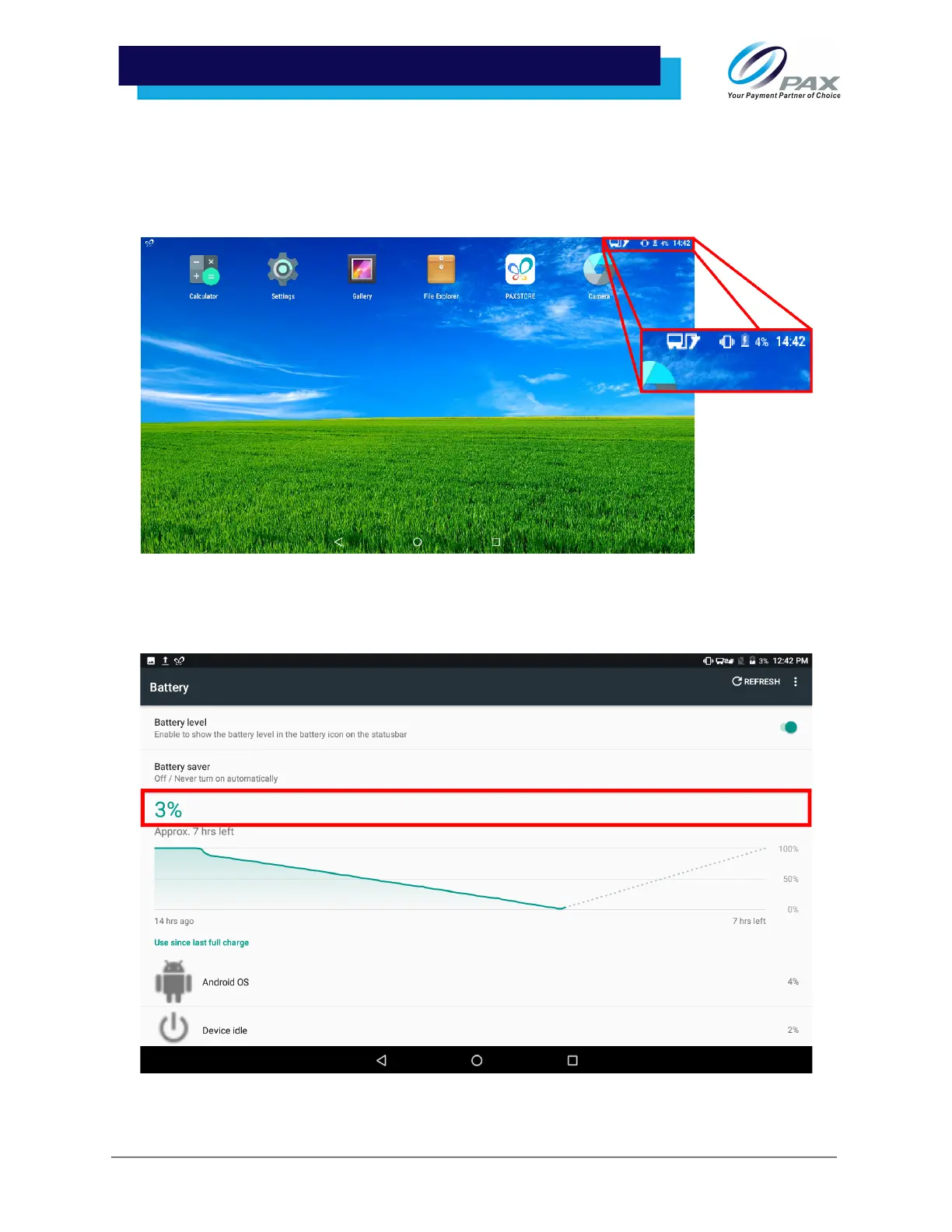
There are two ways to check the battery’s charge status:
1. In the top right corner of the screen, the Aries8 Pro Smart Tablet’s battery icon will show at
what percentage the battery is charged.
2. In the device settings, the [Battery] option will show the device’s charge status.



 To Next Page