ARIES8 REFERENCE GUIDE
v2.1 | 36
13. Basic Operation Instructions
This section covers Aries8 and Aries8 Pro Smart Tablet basic operation instructions.
13 .1 Power ON/OFF
POWER ON
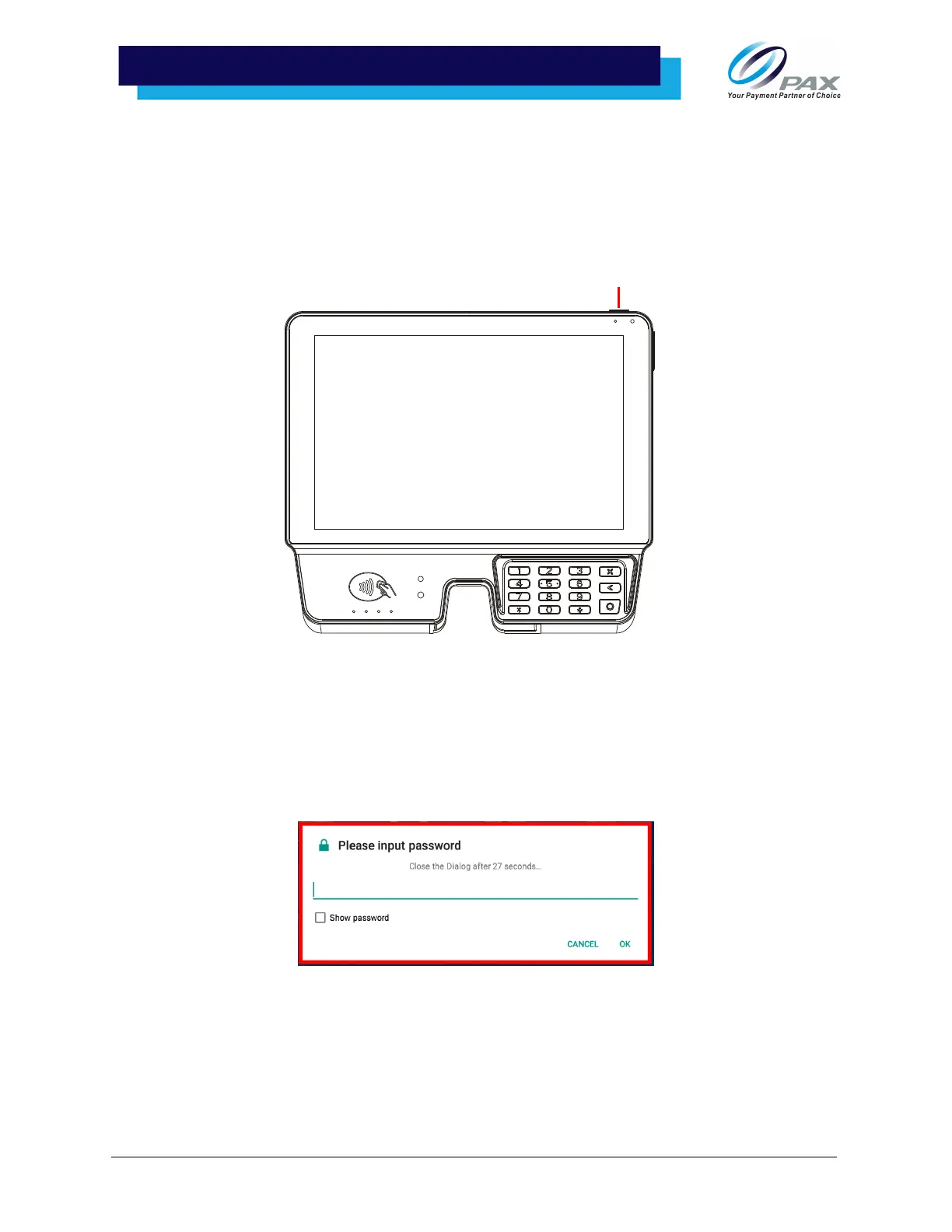
To power on the terminal, press and hold the power button for 3-5 seconds.
Please Note: The Aries8 Smart Tablet will automatically power on when plugged into a power source
while the Aries8 Pro must be turned on via the power button.
POWER OFF
To power off the tablet, press and hold the power button for 3-5 seconds.
Please Note: If a password is required to turn the tablet off, press and hold the power button for 3
seconds and enter password when prompted. Select [OK] to power off.



 To Next Page