ARIES8 REFERENCE GUIDE
v2.1 | 27
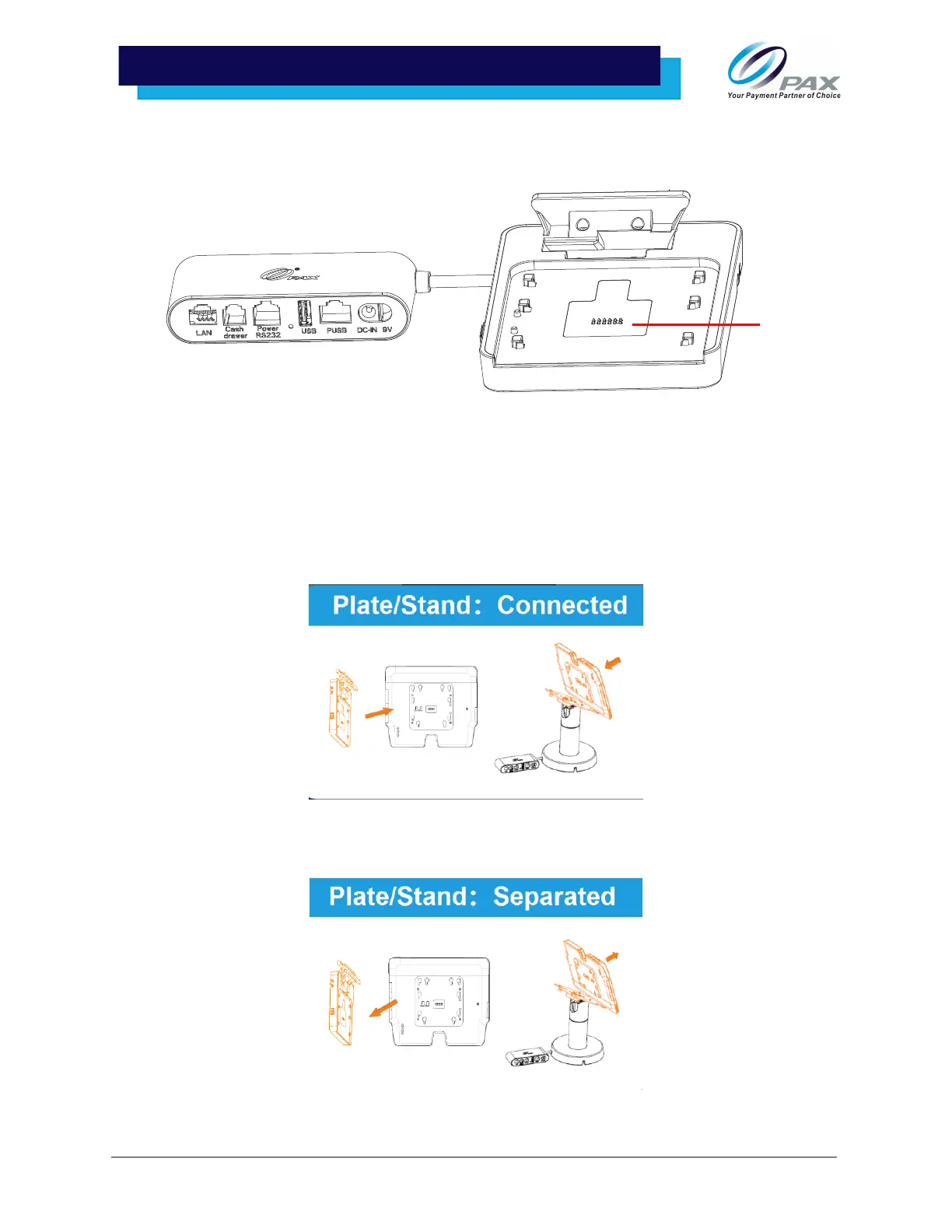
2. Attach the Smart Tablet to the Mounting Plate. The device will automatically power on when
connected. Please note that the Pogo PIN must be connected to the tablet for power.
Please Note: To remove the Mounting Plate, slide the plate off while pressing and holding down the
orange tab on the left side of the plate to unlock the device.
9 .3.3 MOUNTING PLATE CONNECTION NOTIFICATION
When the Aries8 Pro Smart Tablet is connected to the power plate while already powered on, a [Plate/
Stand: Connected] notification will appear to indicate power connection.
When the Aries8 Pro Smart Tablet is disconnected from the plate while turned on, a [Plate/Stand:
Separated] notification will appear to indicate power disruption.



 To Next Page