ARIES8 REFERENCE GUIDE
v2.1 | 48
15. Communications Setup
The Aries8 and Aries8 Pro Smart Tablets support Wi-Fi and Cellular communications. The available types
of Wi-Fi communications are DHCP, Static IP, Manual Static IP, and Manual Proxy. The following sections
include step-by-step instructions for setting up each of these communication types, as well as step-by-
step instructions for connecting the device to cellular networks.
15 .1 DHCP
The Aries8 and Aries8 Pro Smart Tablets support DHCP setup for network and internet access. DHCP
stands for Dynamic Host Configuration Protocol. DHCP is a network management protocol used in IP
networks. The DHCP server dynamically assigns an IP address and other network configuration
parameters to each device on the network.
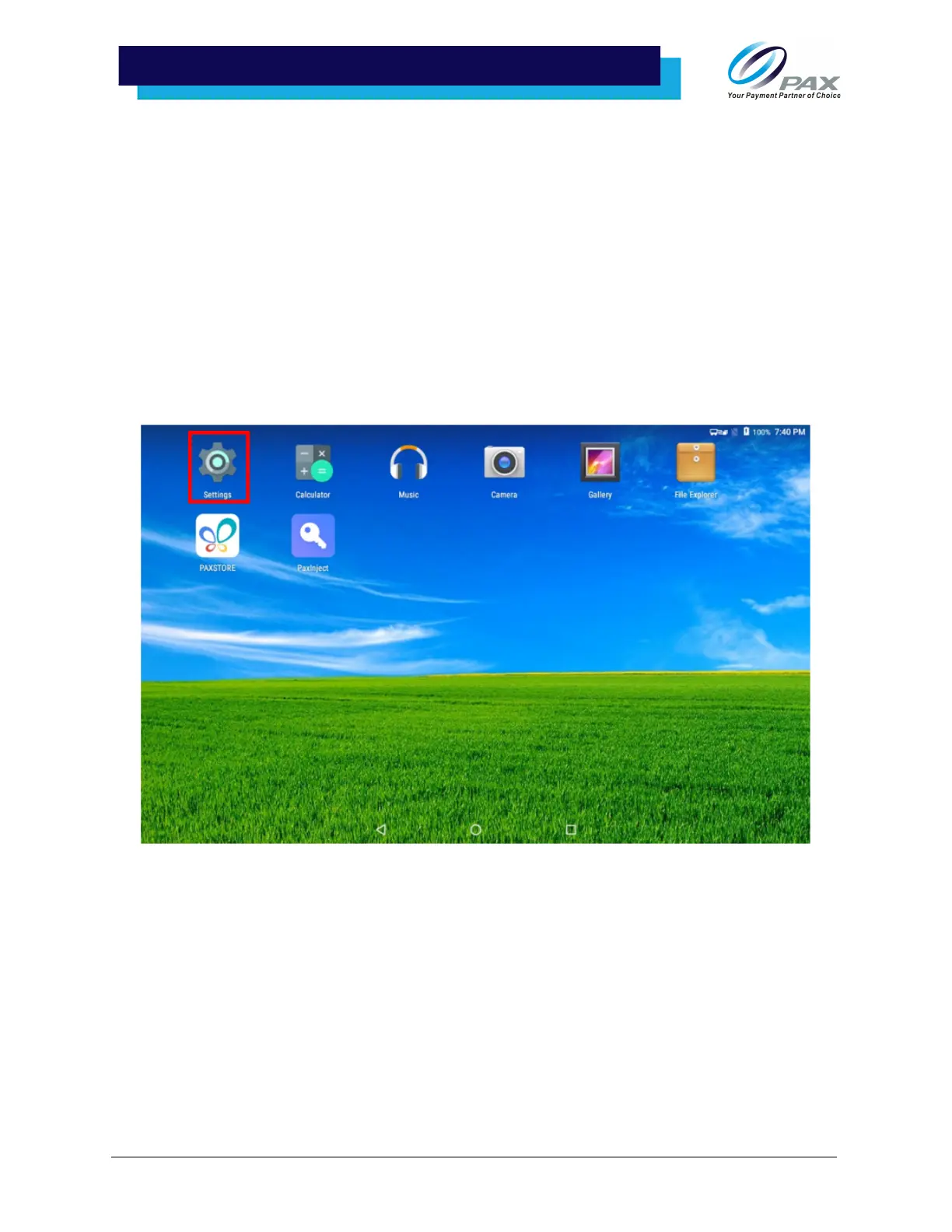
1. Select [Settings]. A password prompt will appear on the screen. Type the password into the
password input and select [OK] to access the device settings.



 To Next Page