ARIES8 REFERENCE GUIDE
v2.1 | 21
Please Note:
• Only PAX cables that have been tested and certified for use with the Aries device are
recommended for use.
• Using any other cable could damage the device and would void the product warranty.
• The PX USB Cable will not power the Aries8 or Aries8 Pro Smart Tablets. In some cases, while
connected to the PX USB Cable’s power input, the Aries8 Pro Smart Tablet may look like it is
connected to power; it is not. The Aries8 Pro’s battery is discharging and the Smart Tablet will
power off when the battery dies.
• The PX RS232 Cable will not power the Aries8 or Aries8 Pro Smart Tablets. In some cases, while
connected to the PX RS232 Cable’s power input, the Aries8 Pro Smart Tablet may look like it is
connected to power; it is not. The Aries8 Pro’s battery continues discharging and the Smart Tablet
will power off when it dies.
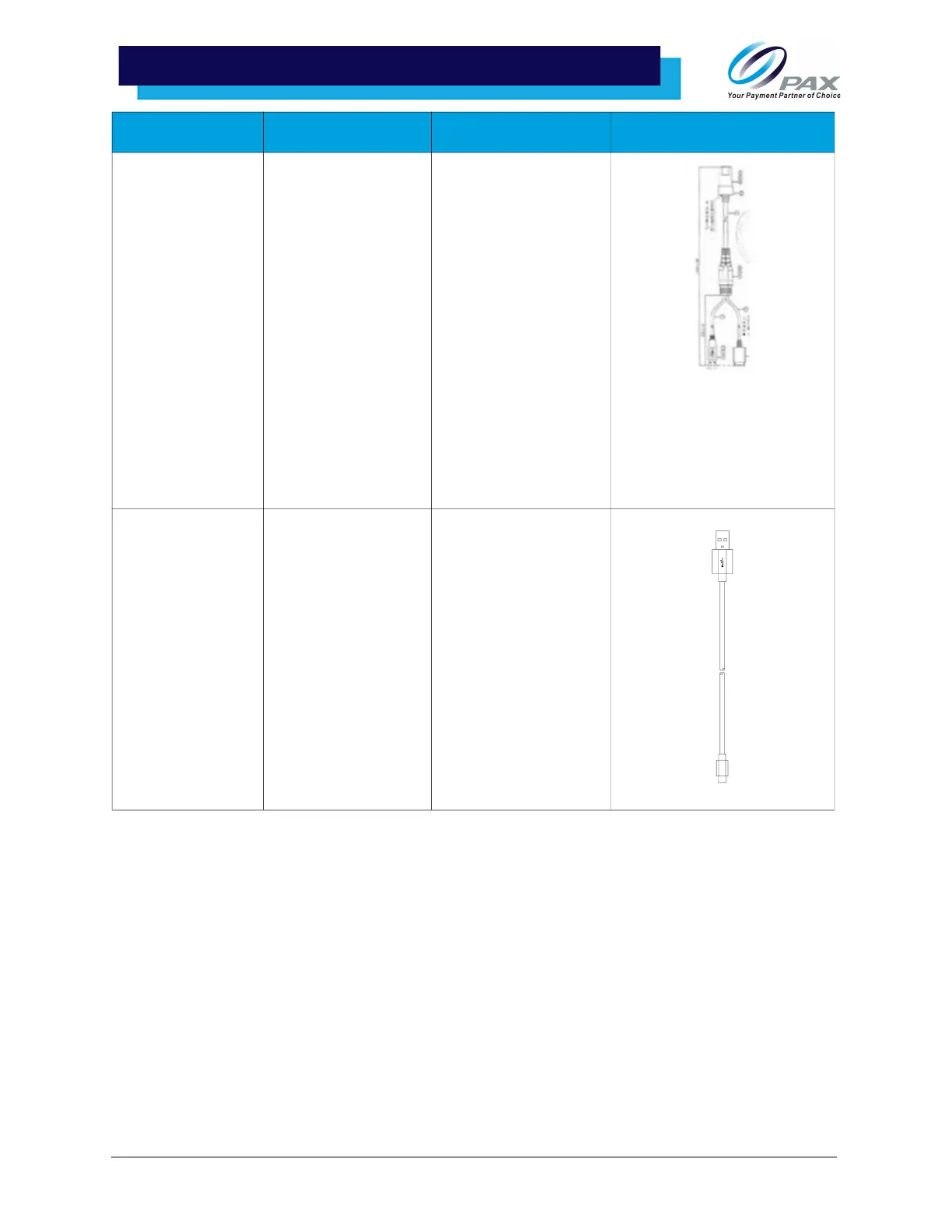
Aries USB w/ Pig-
Tail Input
200204030000346 Works as Data and
Power Cable; Plugs
into Communication
Box or Integrated Plate
while Aries Power
Cable plugs into Pig-
Tail Input.
Please Note: Cable still
requires use of Aries
Power Cable and
Supply. With Aries
Power Cable and
Supply, Aries USB w/
Pig Tail Input can be
used with the
Communication Box.
Aries USB 200204020000230 Data Cable (Aries
Tablets) and
Power Cable (Aries
Handle) - USB Type-C
Please Note: The USB
Type-C cable and
adapter are typically
used to recharge the
Aries6 Pro tablet
battery or to power
the Aries6 tablets for
debugging and local
key injection.
Cable Part Number Use Case Image



 To Next Page