ARIES8 REFERENCE GUIDE
v2.1 | 38
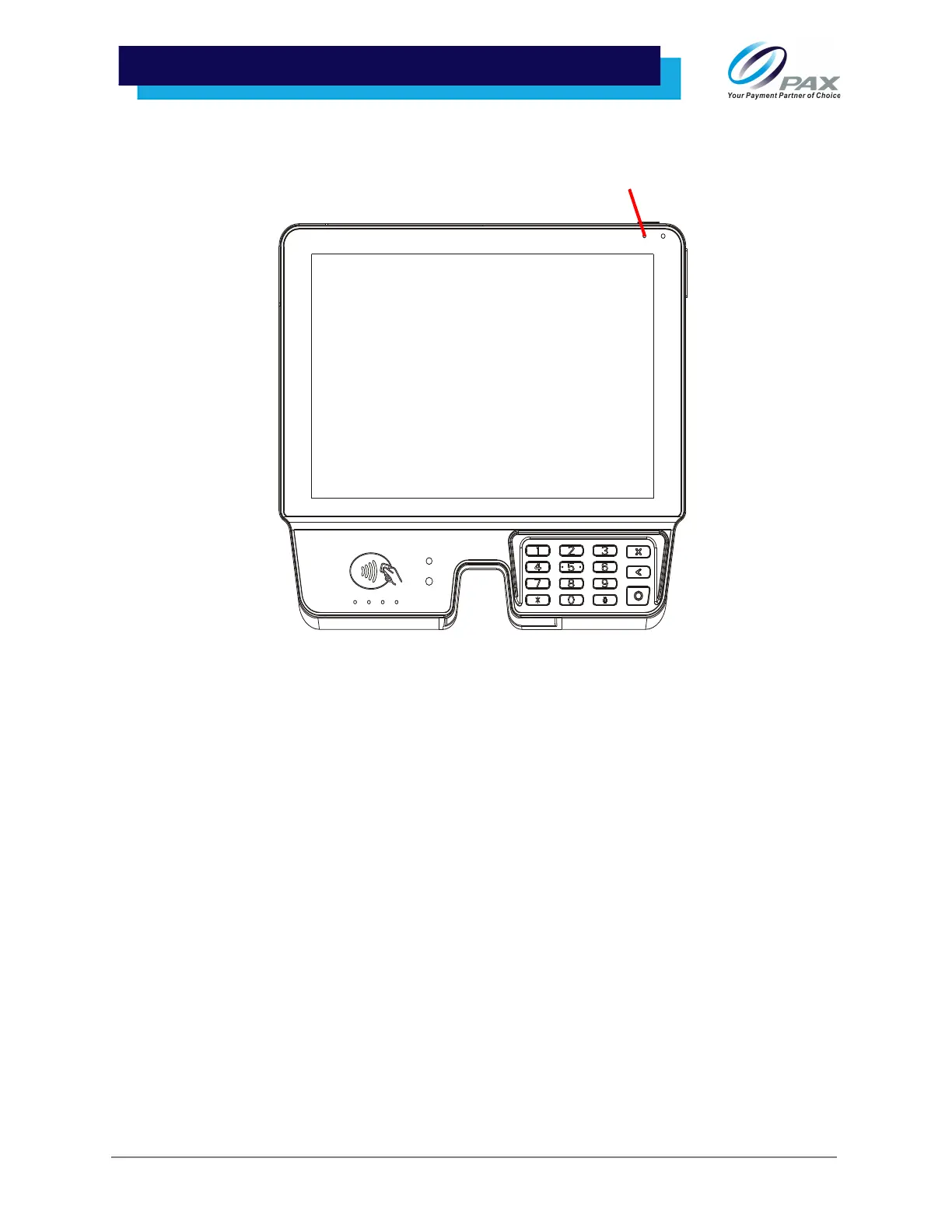
2. The charging/power indicator light on the top right side of the screen stays on for as long as
the device is connected to power.
• A red indicator shows that the device is charging and connected to power.
• A green indicator shows that charging is complete and the device is connected to power.
• Red and green indicators flashing alternately indicate a charging problem and that the device is
connected to power.
Please Note: There is no indicator light on the Aries8 Smart Tablet. Additionally, the Aries8 also shows a
battery icon when powered on. Though it has no battery, it will show 100% charge.



 To Next Page