How to install your system with SCART TV console?
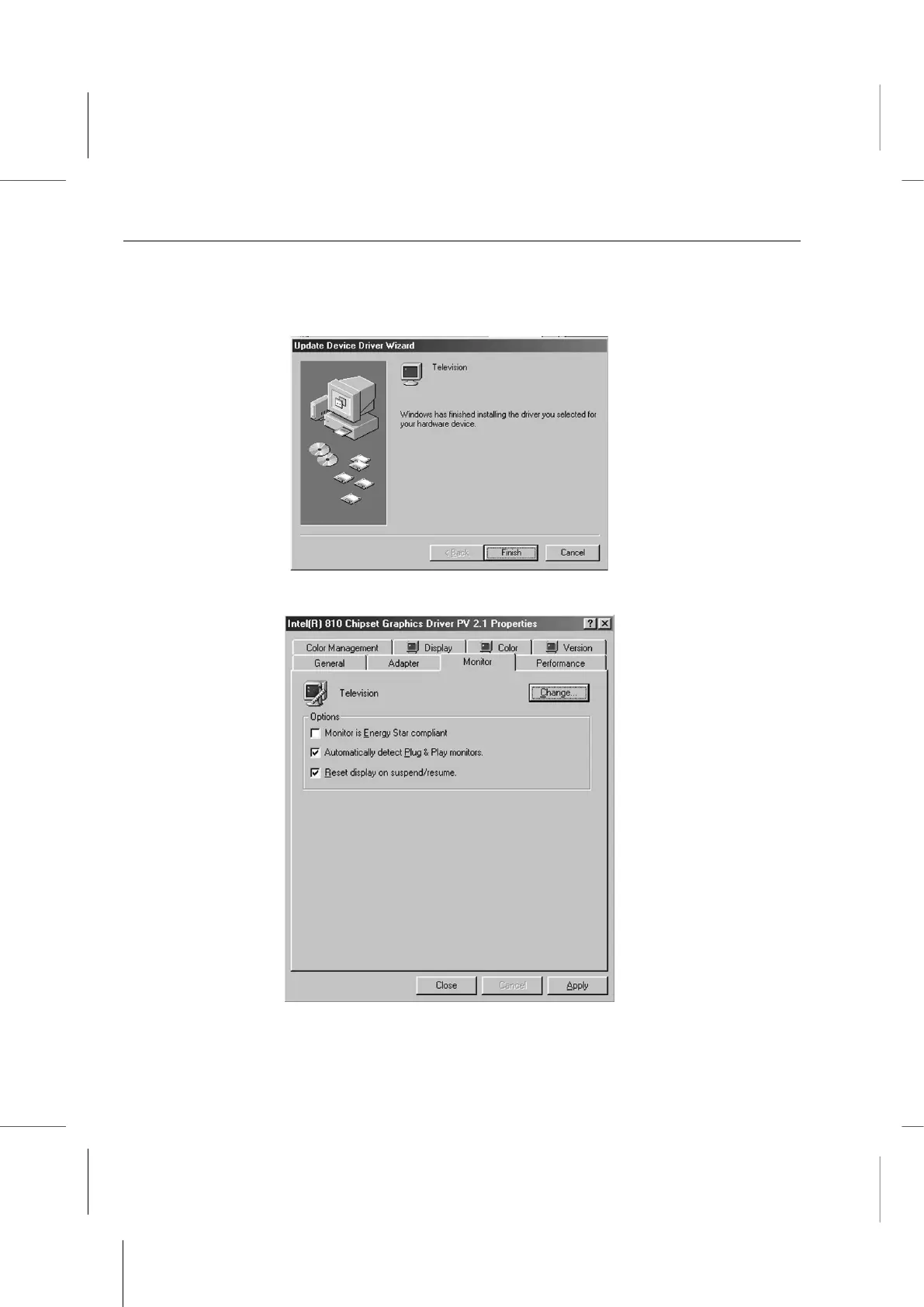
10. Click on the Finish button in the next window to complete configuring TV as the
display device. The Wizard window will close and return to the driver properties
window with the Monitor tab displayed.
11. Click on the Apply button at the lower right to apply the new setting.
III. Adjusting TV Out Settings Under Windows



 To Next Page