Book PC
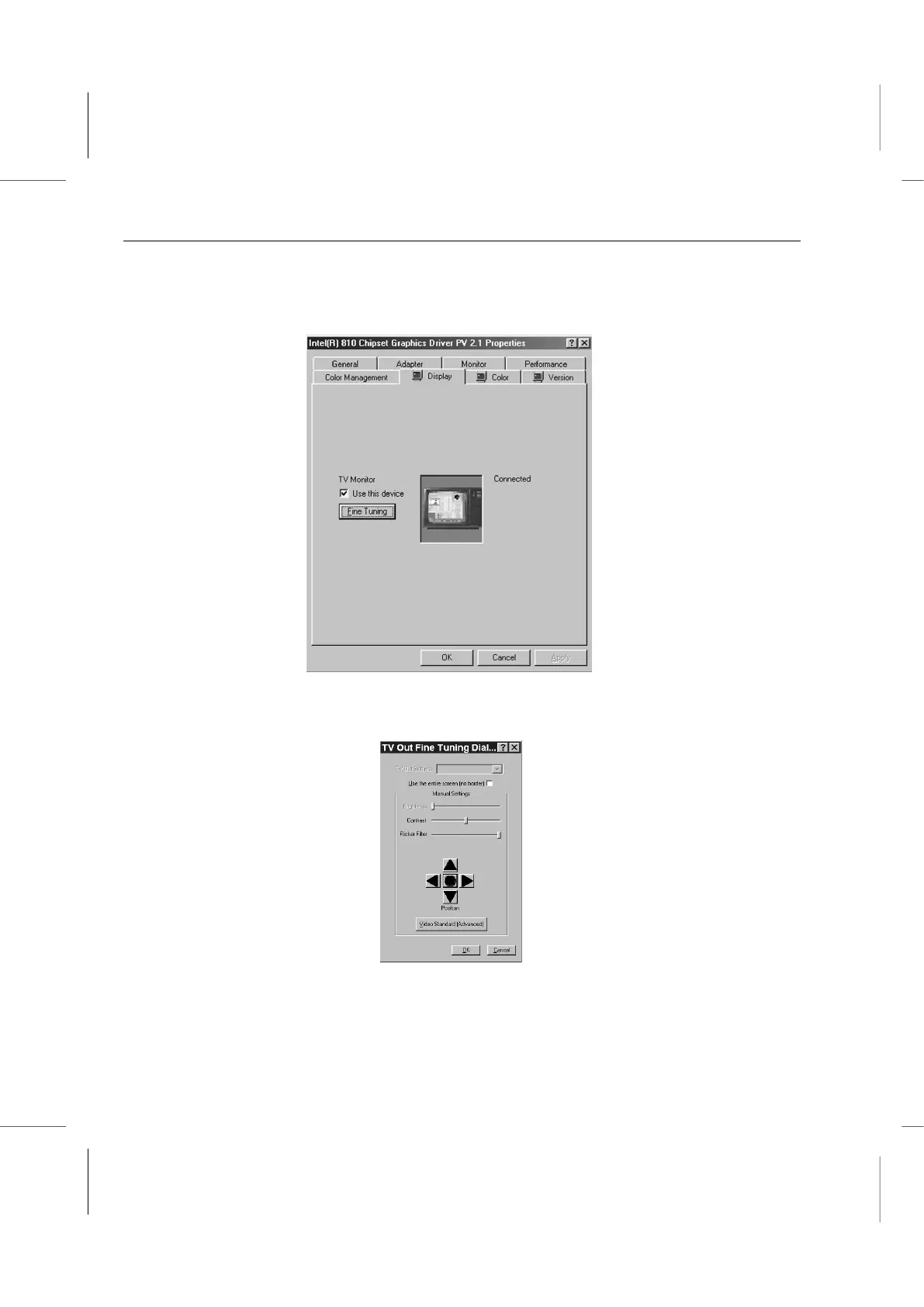
Please follow the procedure below to adjust the display settings for a television
connected to the TV Out port.
1. Click on the Display tab in the Display Properties window.
2. Click on the check box for Use this device under TV Monitor. A check should appear
in the box. Click on the Fine Tuning button. The Fine Tuning Dialog Box will appear.
3. Adjust the Contrast, Flicker Filter and Position settings.
Set the contrast to the middle position by clicking on the adjustment bar and dragging
it into position. You can adjust this later to suit your preference.



 To Next Page