Install Drivers for 9000 Boards
22
2. Choose rotate function (0°, 90°, 180°, 270°) in the 3
rd
party
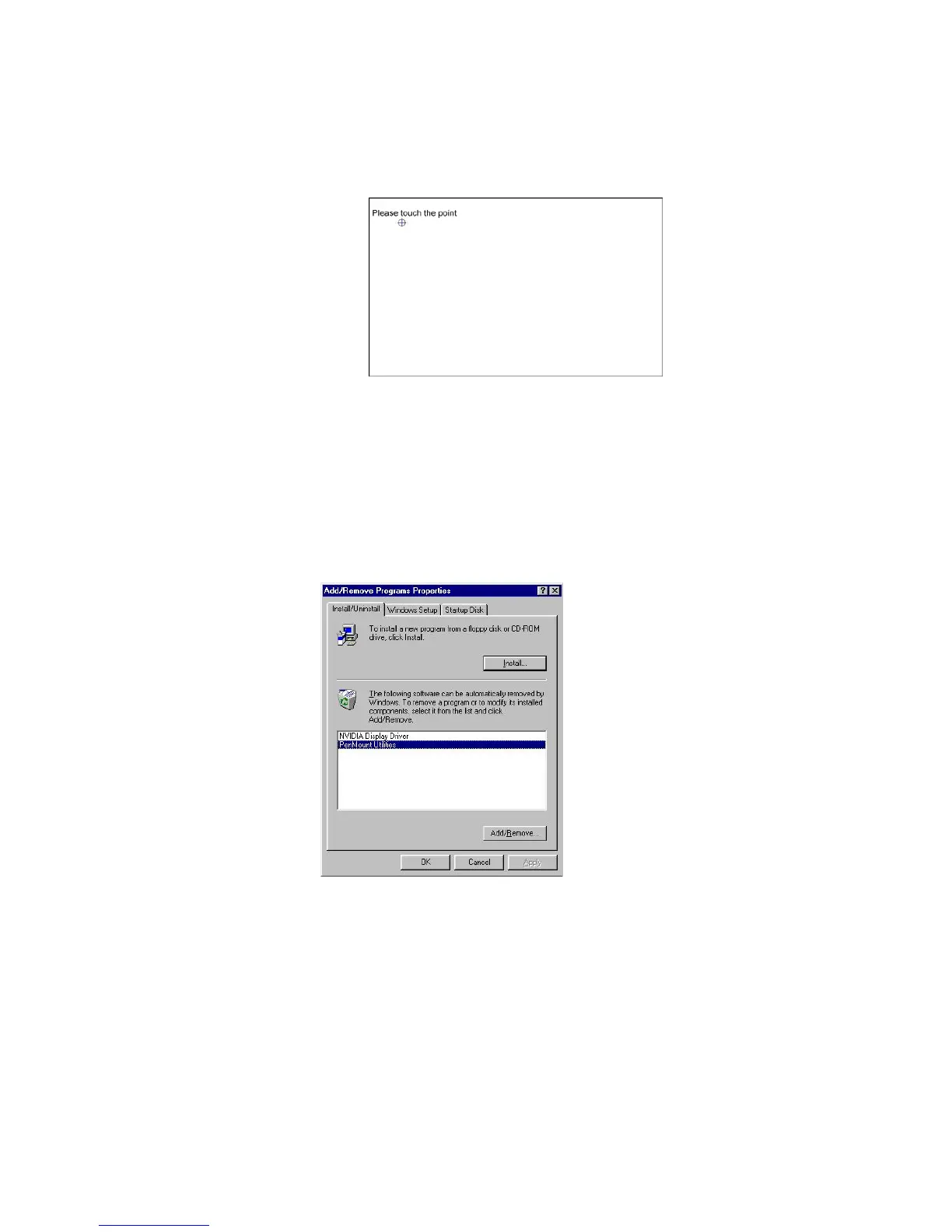
software. The calibration screen appears automatically. Touch
this point and rotation is mapped.
NOTE: Rotate function will be disable if you use Monitor
Mapping.
3.3.4. Uninstall PenMount Windows 95 Driver
1. Exit PenMount Monitor (PM) in the notification area.
2. From ‘PenMount Utilities’ in ‘Programs’, select the ‘Uninstall’ utility.
3. This message shows up: “Are you sure you want to completely
remove ‘PenMount Utilities’ and all its components?”
4. Select ‘Yes’ to remove PenMount Windows 95 Driver.
5. Reboot system and PenMount Windows 95 Driver is removed from
the system.



 To Next Page