Driver Software Functions
59
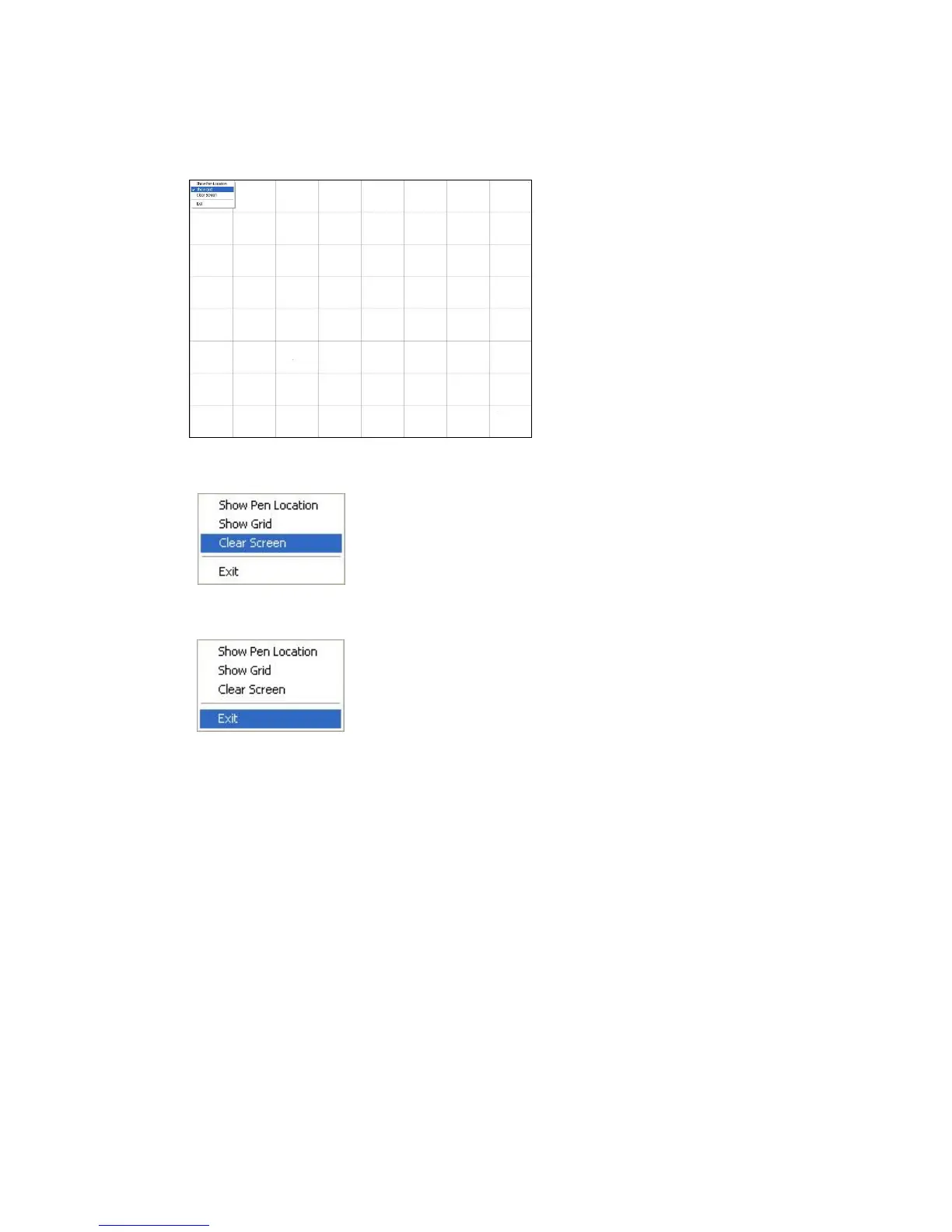
Show Pen Location is to show the locations where pen comes down and lifted up on the
monitor.
Show Grid is to show grid on the entire monitor. This is for linearity test.
Select Clear Screen to clear drawing.
Select Exit to quit draw function
4.7. Mouse Operation Mode
Mouse Operation Mode enables and disables mouse’s ability of dragging onscreen
icons, which is applicable to the configuration of POS terminals.
Pen Input Emulation –
Select this mode and mouse will emulate Windows Vista pen
input device operation, by which no mouse event will be sent
until the touch is dragged out of range or released from the
screen.
Mouse Emulation – Select this mode and mouse functions as normal and allows
dragging of icons.
Click on Touch – Select this mode and mouse only provides a click function,
disable dragging function.
Click on Release – Select this mode and mouse only provides a click function
when the touch is released.



 To Next Page