Install Drivers for 9000 Boards
39
3.6.3. Configure Touch screen In PenMount mouse driver
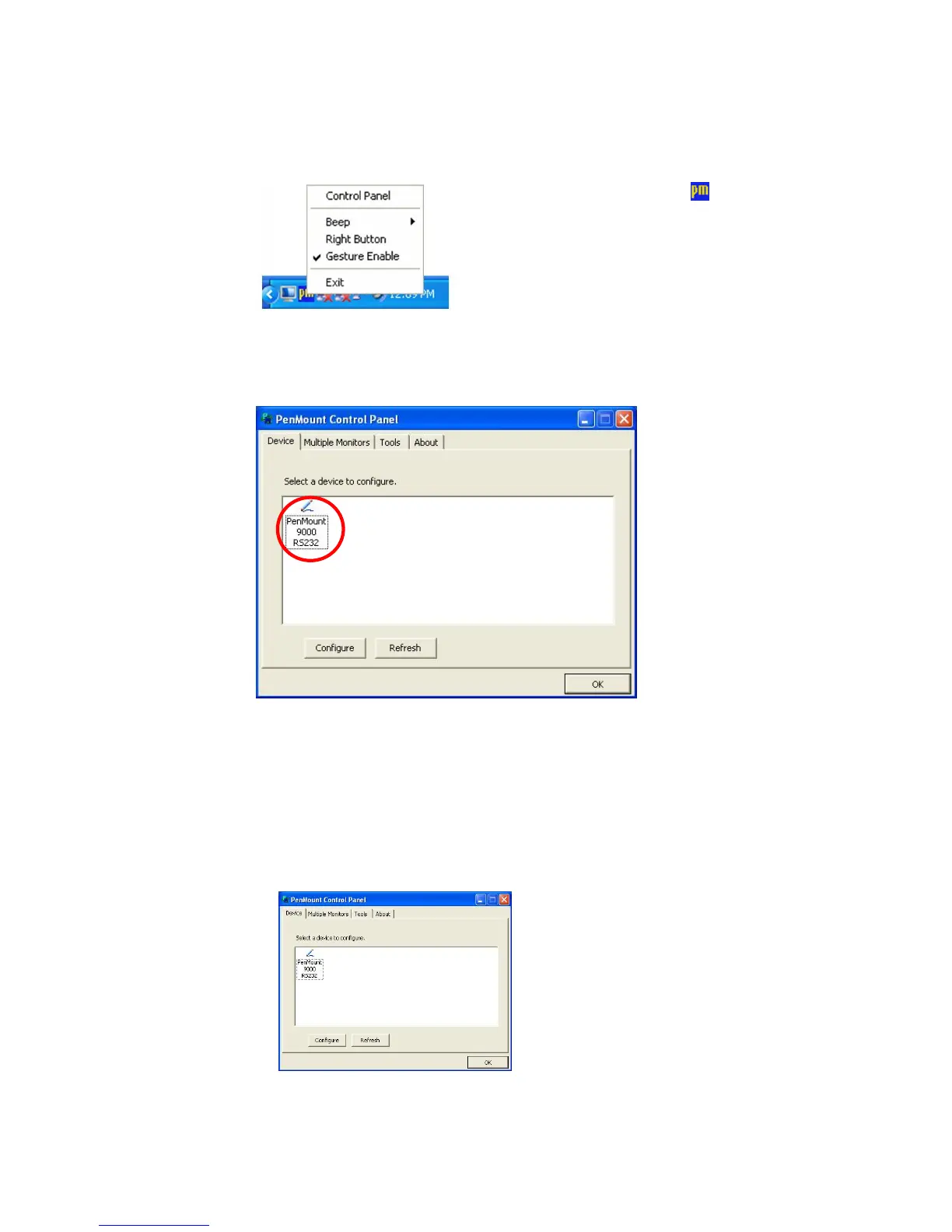
Click PenMount Monitor icon
at the
notification area and select Control Panel from
the menu.
On PenMount Control Panel
you are able to see the device of PenMount
9000 RS-232 detected by your system under
Device
tab. Select a device and
click the
Configure
button.
3.6.3.1 PenMount Control Panel
The functions of PenMount Control Panel are:
Device
In this window, you can find out how many devices are detected in your
system.



 To Next Page