Install Drivers for 9000 Boards
29
3.5. Install PenMount Windows NT Driver
Before installing PenMount Windows NT Driver, you must have had Windows NT
system installed and run in your computer. You must also have PenMount Serial
Interface either 9026BH or 9036CH control board installed.
3.5.1. Install PenMount Windows NT Driver
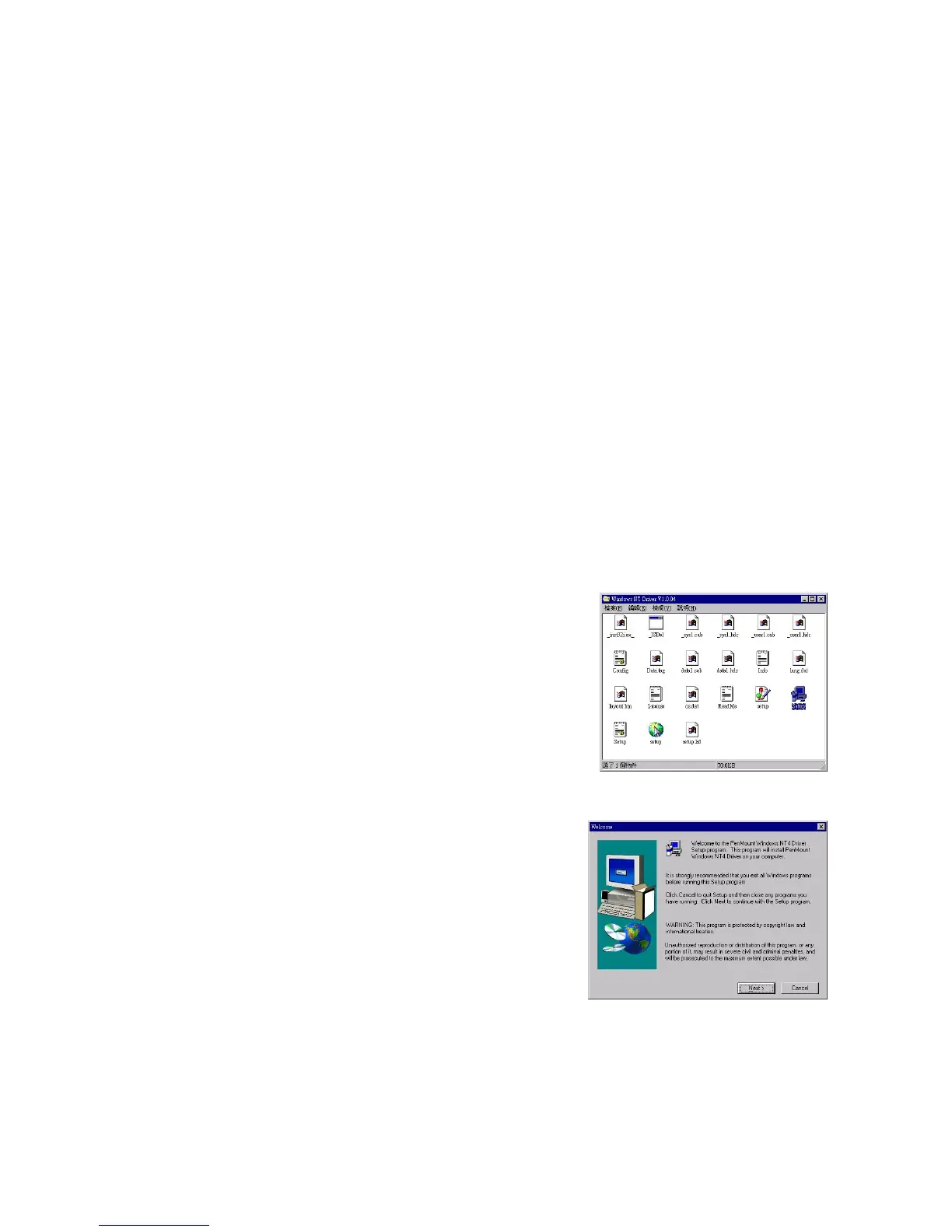
Content of PenMount Windows NT Driver folder is listed below.
_USER1.HDR _ISDEL.EXE
_SETUP.DLL _SYS1.CAB
_SYS1.HDR _USER1.CAB
_INST32I.EX CONFIG.INI
DATA.TAG DATA1.CAB
DATA1.HDR INFO.TXT
LANG.DAT LAYOUT.BIN
LICENSE.TXT OS.DAT
README.TXT SETUP.LID
SETUP.INS SETUP.INI
SETUP.EXE SETUP.BMP
If you have an older version of PenMount Windows NT Driver installed in
your system, remove it first and follow the steps below to install PenMount
Windows NT Driver.
1. Insert PenMount driver CD-ROM.
Go to the Windows NT Driver folder.
Click setup.exe.
2. A welcome message for the
PenMount setup program appears.
Select “Next”.



 To Next Page