Driver Software Functions
54
4. After the setting procedure is finished, maybe you need to calibrate for
each panel and controller.
NOTE: If you use a single VGA output for multiple monitors, please do
not use Multiple Monitors function. Just follow the regular
procedure for calibration on each of your desktop monitors.
Rotate function will be disable if you use Multiple Monitors
function.
If you change the resolution of display or screen address, you
have to redo Map Touch screens so the system understands
where the displays are.
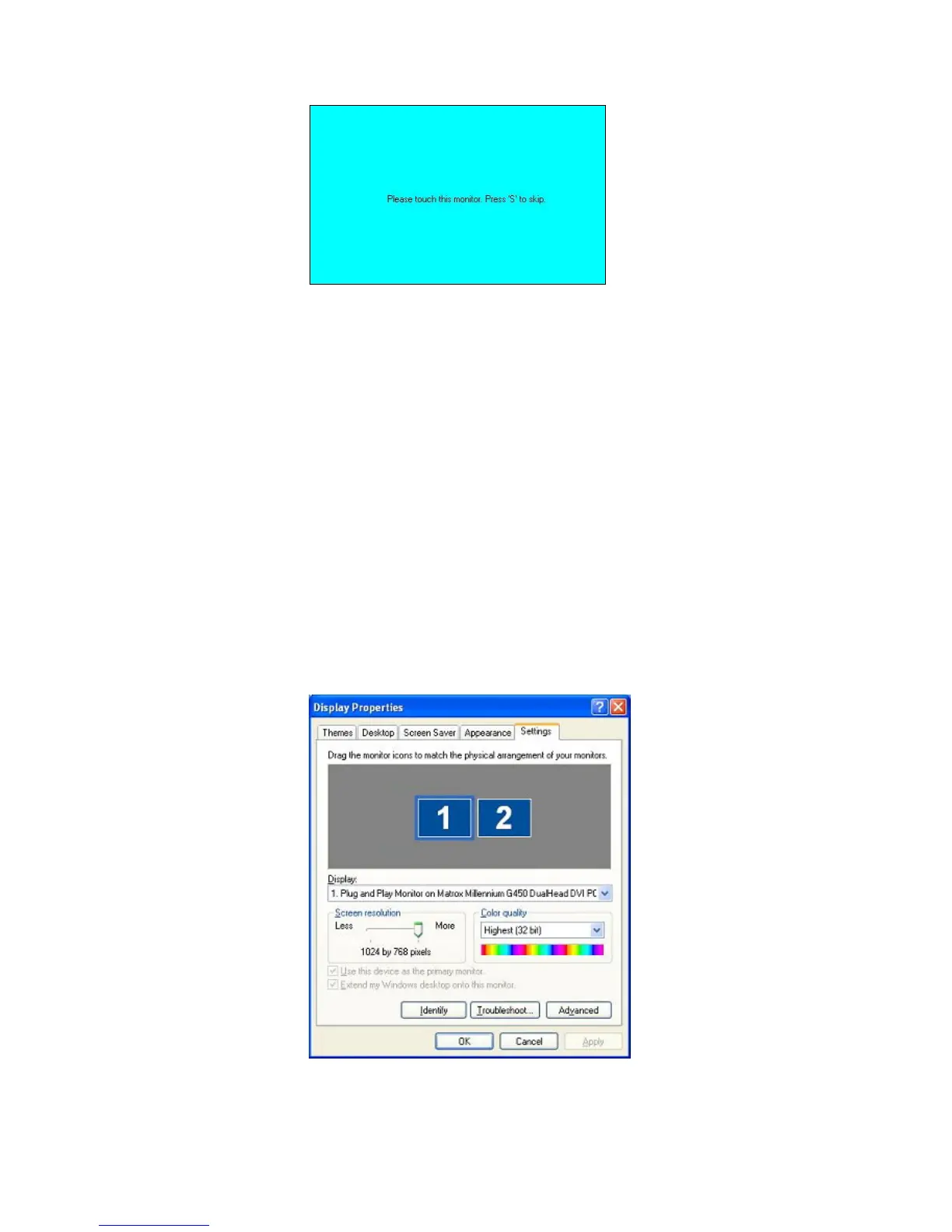
If you have multiple monitors but only one touch screen, press ‘S’
to skip mapping step.
4.3.2. An Example for 2 Touch Monitors
1. Please make sure 2 touch monitors are plugged in and detected.



 To Next Page